Hello! This is Freegrow.
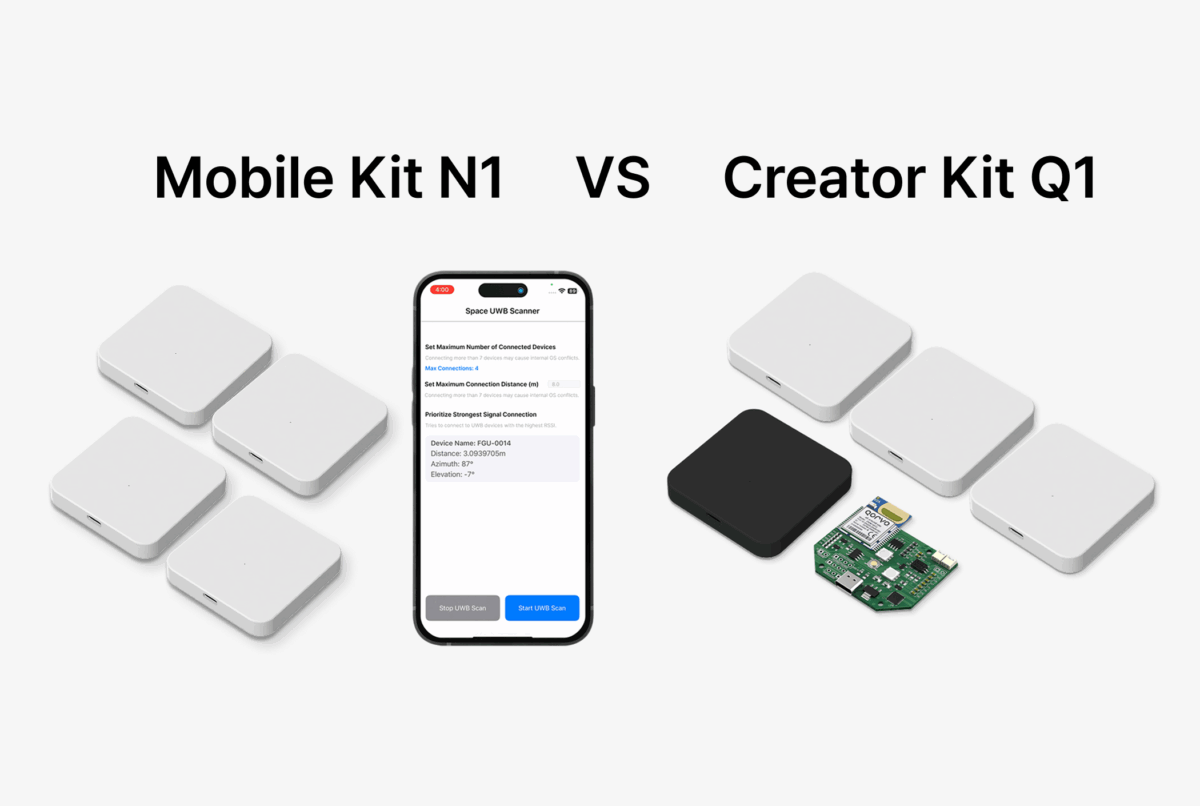
GrowSpace offers two UWB-based indoor positioning kits:
the Mobile Kit N1 and the Creator Kit Q1.
Both kits provide high-precision indoor positioning with about 10 cm accuracy.
Both use UWB (Ultra-Wideband) technology.
However, their purpose, environment, and integration methods are different.
This can make it difficult to know which one to choose.
Today, we will answer the question:
“Which kit is right for my situation?”
Below is a clear comparison of the two kits.
Product Overview
The Mobile Kit N1 and Creator Kit Q1 are both UWB-based indoor positioning solutions.
But they are different in items, integration method, and usage scale.
Here is a simple comparison table:
| Product | Mobile Kit N1 | Creator Kit Q1 |
|---|---|---|
| Main use | Mobile-based app development and testing | PC / embedded indoor positioning experiments |
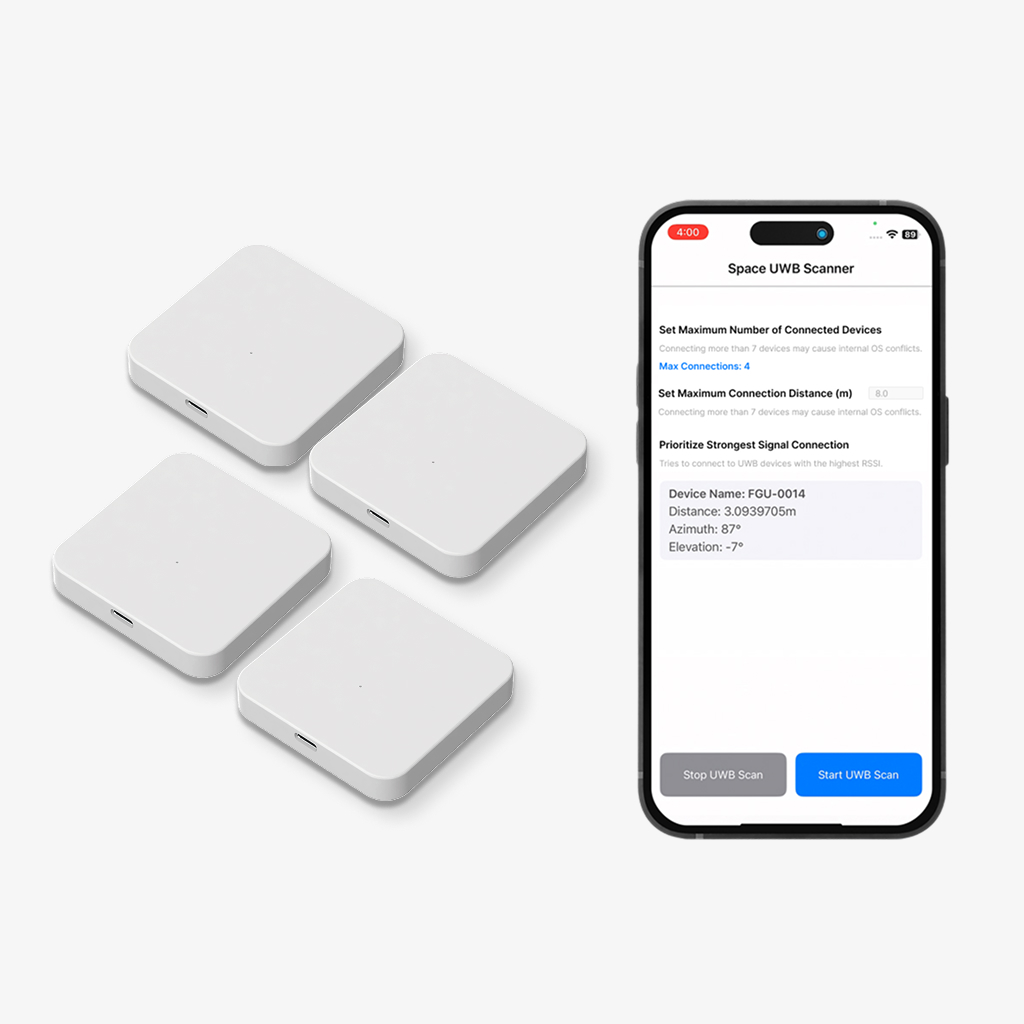
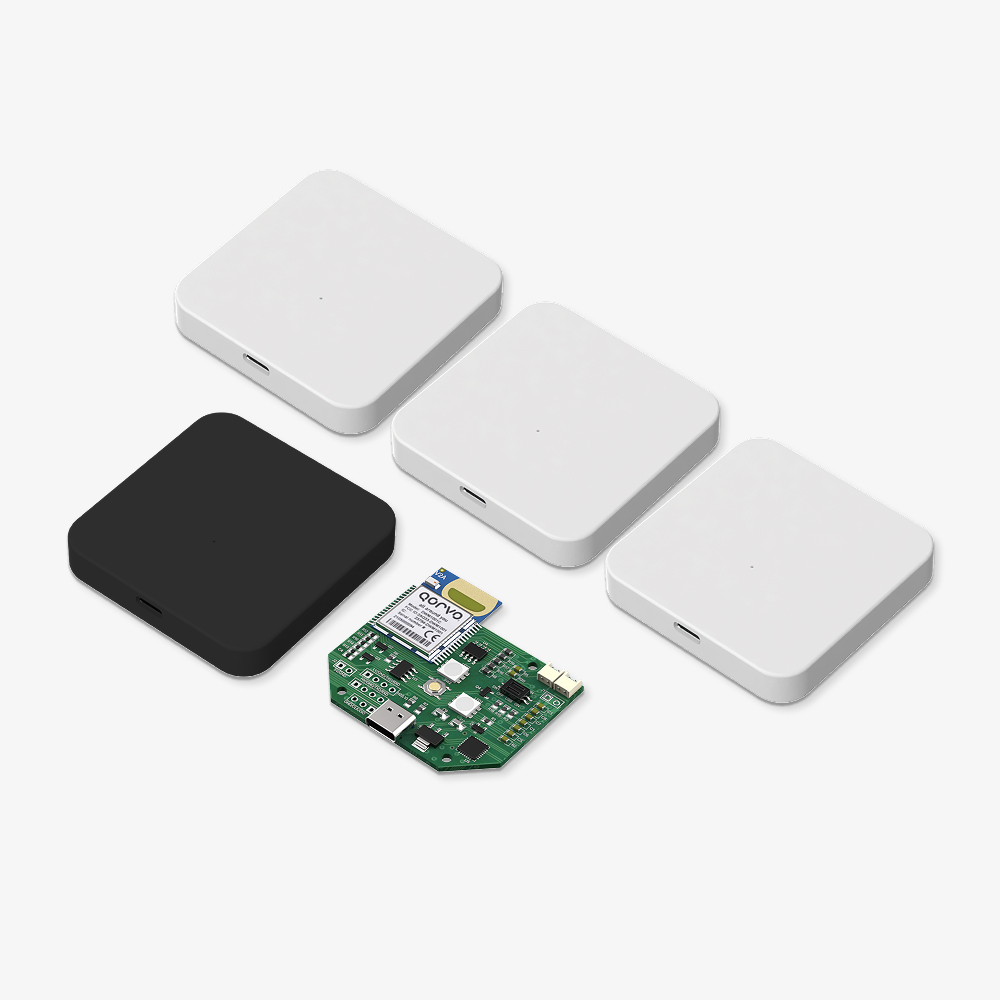
| Items | 3 anchors + mobile app + SDK | 3 anchors + developer tag + listener + PC app |
| Connection | Smartphone + server | Serial (UART) / Raspberry Pi |
| App support | Android / iOS app | GrowSpace PC program |
| Coverage | About 27㎡ | Up to 400㎡ (expandable) |
| Price | ₩500,000 | ₩490,000 |
📱 Mobile Kit N1 – For fast and easy mobile testing
The Mobile Kit N1 is for users who want to start positioning quickly with a smartphone.
Install the Android/iOS app, place the three anchors, and start measuring.
You can check real-time distance and direction (azimuth, elevation) immediately.
This kit is useful when developers or planners want to build a quick mobile prototype or test UX flow.
Recommended for:
- App developers and service planners
- Small indoor test environments
- Teams focused on mobile-based UX or services
💻 Creator Kit Q1 – For system design and large-area experiments
The Q1 kit is designed for more advanced experiments and wider spaces.
It includes anchors, a tag, and a listener.
The positioning data is sent to a PC or Raspberry Pi through serial (UART) communication.
You can visualize the location with the PC program,
and process or analyze the data using Python or Arduino libraries.
Recommended for:
- IoT, robotics, or autonomous driving researchers
- University labs, capstone projects, UWB-related studies
- Teams that need precise tracking in large areas
Quick Comparison Guide
When choosing a kit, think about:
“In what environment, and how will I use the location data?”
| Situation / Purpose | Recommended Kit |
|---|---|
| I want to check the location data directly on a smartphone | N1 |
| I want to integrate with Arduino or Raspberry Pi | Q1 |
| I want quick tests in small areas like booths or showrooms | N1 |
| I want to test multiple tags in a large area (100㎡ or more) | Q1 |
| I need more accurate distance than BLE or Wi-Fi | Both |
| I need a mobile app SDK | N1 |
| I want to collect serial data and process it myself | Q1 |
Both kits use high-precision UWB technology,
but the target users and purposes are different.
Choose N1 for fast mobile-based UX testing.
Choose Q1 for wide-area experiments and hardware/system integration.
The key is not the technical specs, but:
👉 “What problem do you want to solve?”
Where to Buy
GrowSpace UWB Creator Kit Q1 and Mobile Kit N1 can be purchased through a quotation request on the official Freegrow website.
Each product page includes item photos, specifications, installation guides, and FAQs.
You can check them before making a decision.
Final Note
The technology behind both kits is the same,
but the usage, connection method, and system design are different.
Both kits are designed by GrowSpace and can be used directly in real projects.
If you have any questions or want a demo, please contact us anytime!