Hello, this is Freegrow 👋
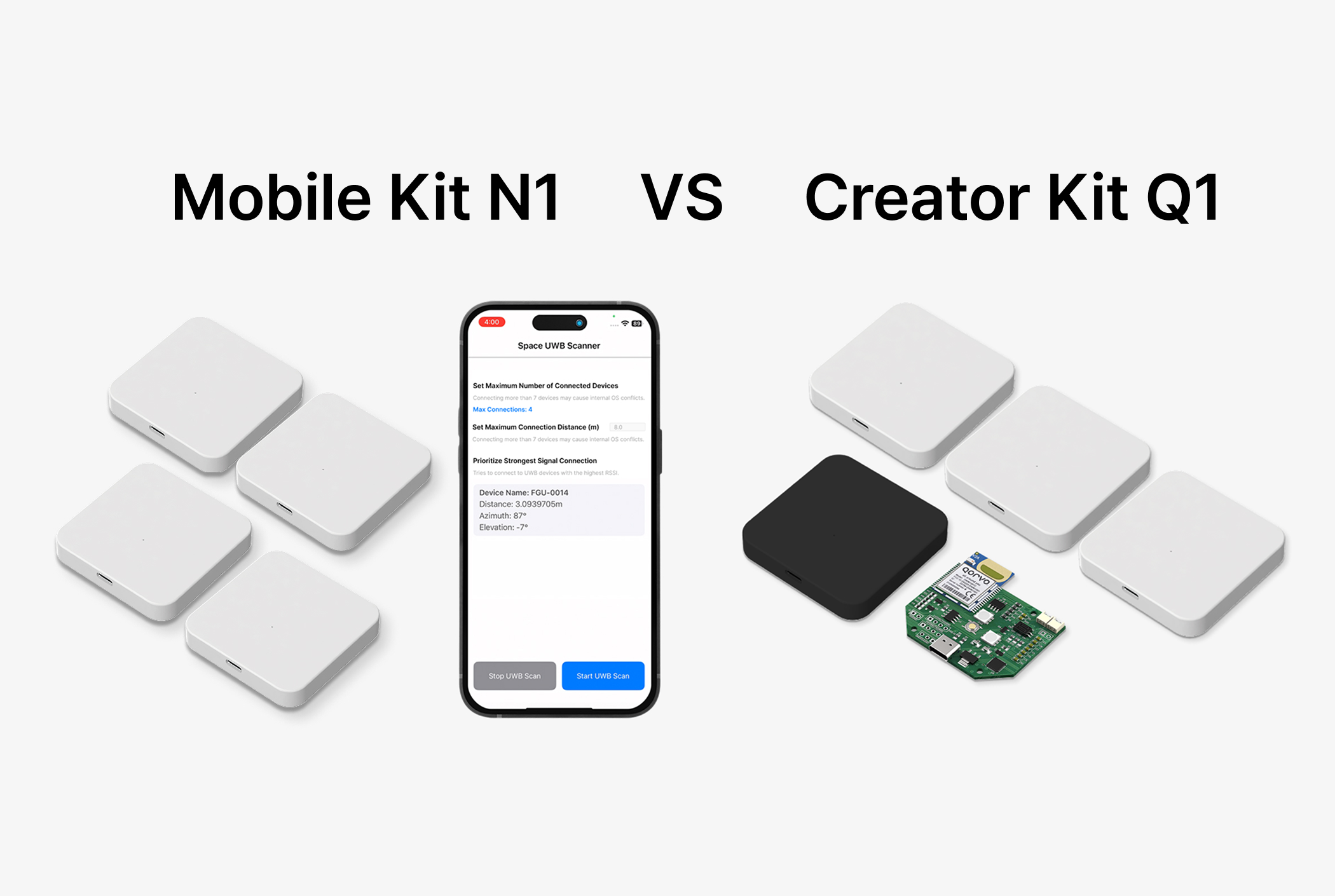
In the last story, we shared how a student project team first tried to use a DIY DWM1000 module. That attempt failed, and finally, they chose the UWB Creator Kit.
With Q1, the students felt, “Now we can do this project in the right way.” Then they started their real experiments.
Today, we want to introduce their experiment setup and the results.
Experiment Setup
Hardware items
- Tag: works as a pedestrian device (1 UWB module)
- Anchor: fixed devices with known coordinates (3 UWB modules)
- Listener: collects distance data between tag and anchors (1 UWB module)
- Board: Arduino + Raspberry Pi
- Extension: after the experiment, the tag was also used on a TurtleBot3 robot for path avoidance tests
Anchor placement (outdoor setup)
- Anchors placed in a triangle shape
- Anchor 0: (0, 0, 1.45) m
- Anchor 1: (0, 12.1, 1.45) m
- Anchor 2: (10.4, 6.05, 1.45) m
The anchors were fixed, and their coordinates were set in advance. This was important for the trilateration algorithm (the method to calculate position).
Software structure
Arduino code
- Measures distance every 3 seconds
- Shows a warning if distance is over 4 m
- Sends “DIST” data packet → used in trilateration
Trilateration algorithm
- Input: anchor coordinates + tag-anchor distances
- Process: least square method for 2D/3D position
- Output: (x, y, z) position → sent to danger zone function
Danger zone logic
- A rectangle area is set as a danger zone
- If the tag enters the zone → “DANGER” message is shown
Experiment Results
Indoor test
- Tag was held in hand and moved around anchors
- Serial monitor showed distance and coordinates in real time
- Warning worked correctly when over 4 m
- In RViz (visualization tool), movement and anchor positions were shown
Outdoor test
- 3 anchors placed in a campus parking lot
- Tag path was displayed in real time
- Warning messages repeated when entering the danger zone
- Accuracy was much better than GPS. Position was stable within a few meters.


Key Achievements
From this experiment, the students showed that UWB can do more than connect devices.
They confirmed that a real UWB pedestrian detection and danger zone alert system can work in a real environment.
They achieved:
- Real-time distance data
- Position calculation with trilateration
- Danger zone detection and warning output
- Possibility to combine with robot systems
New Possibilities
This was not just a “successful test.”
It showed how one kit (Q1) can quickly support student projects and research.
The results also suggest many applications: pedestrian safety, smart traffic, and autonomous robots.
The students learned how powerful UWB RTLS can be in practice.
You can find Freegrow’s UWB Creator Kit Q1 on:
- Naver Smart Store
- Devicemart
- Freegrow official website

Check it out now ▶ [See the UWB Creator Kit]