Hello, this is Freegrow.
In the last post, we shared a case where a university student team tried to use the Crowtail DWM1000 module and a DIY soldered DWM1000 module. But they faced many problems. The main issues were unstable communication and hardware limits.
The biggest lesson was simple:
“To succeed, you must choose a verified module.”
Because of this, the students decided to start again with the UWB Creator Kit. In this post, we share why they made this choice and what first results they achieved.
Why the UWB Creator Kit?
After many failed attempts, the reasons became clear:
- Stability: It is a commercial module, already tested in many projects, with basic quality and reliability guaranteed.
- Documents and resources: The official manual and example code made debugging and learning much easier.
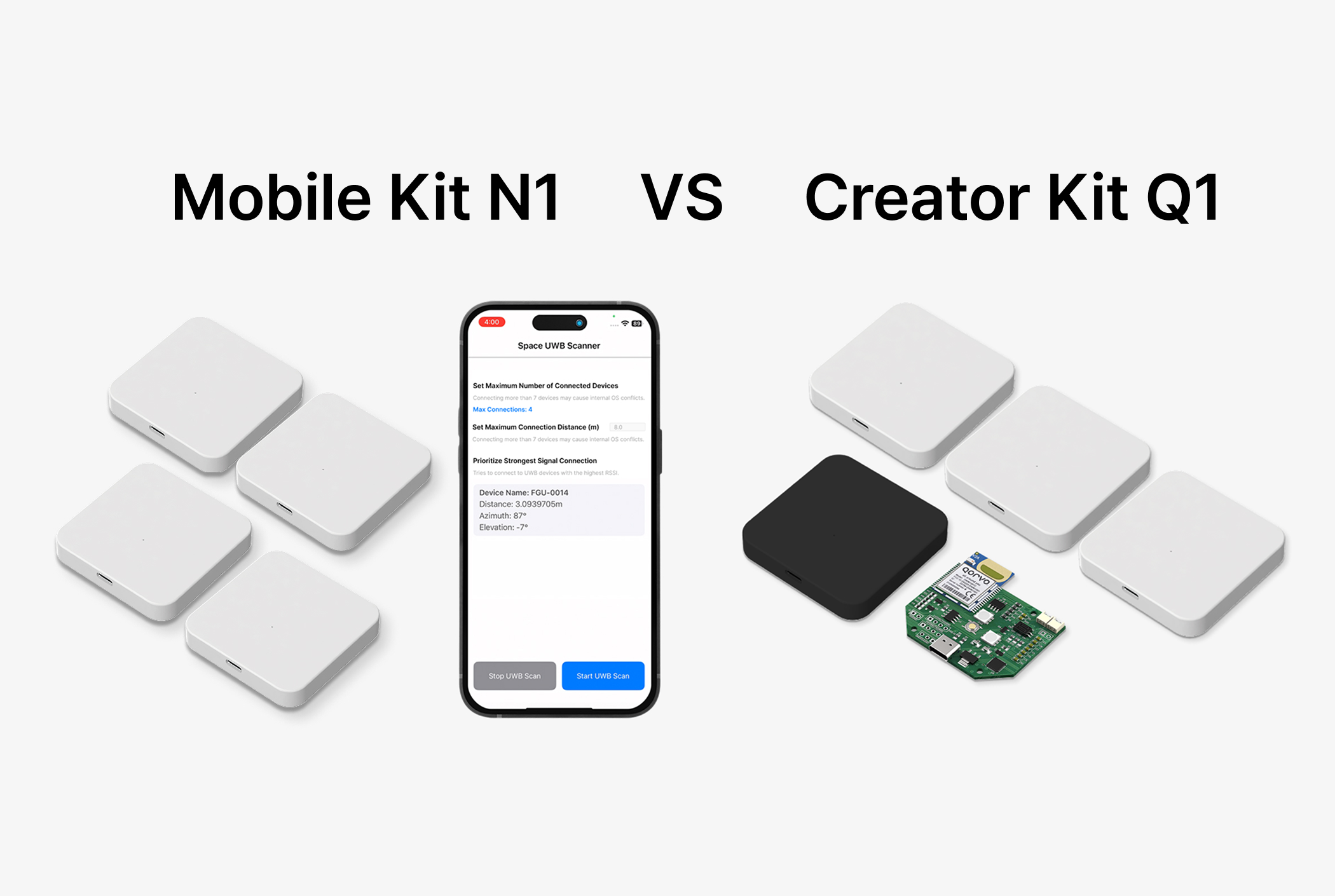
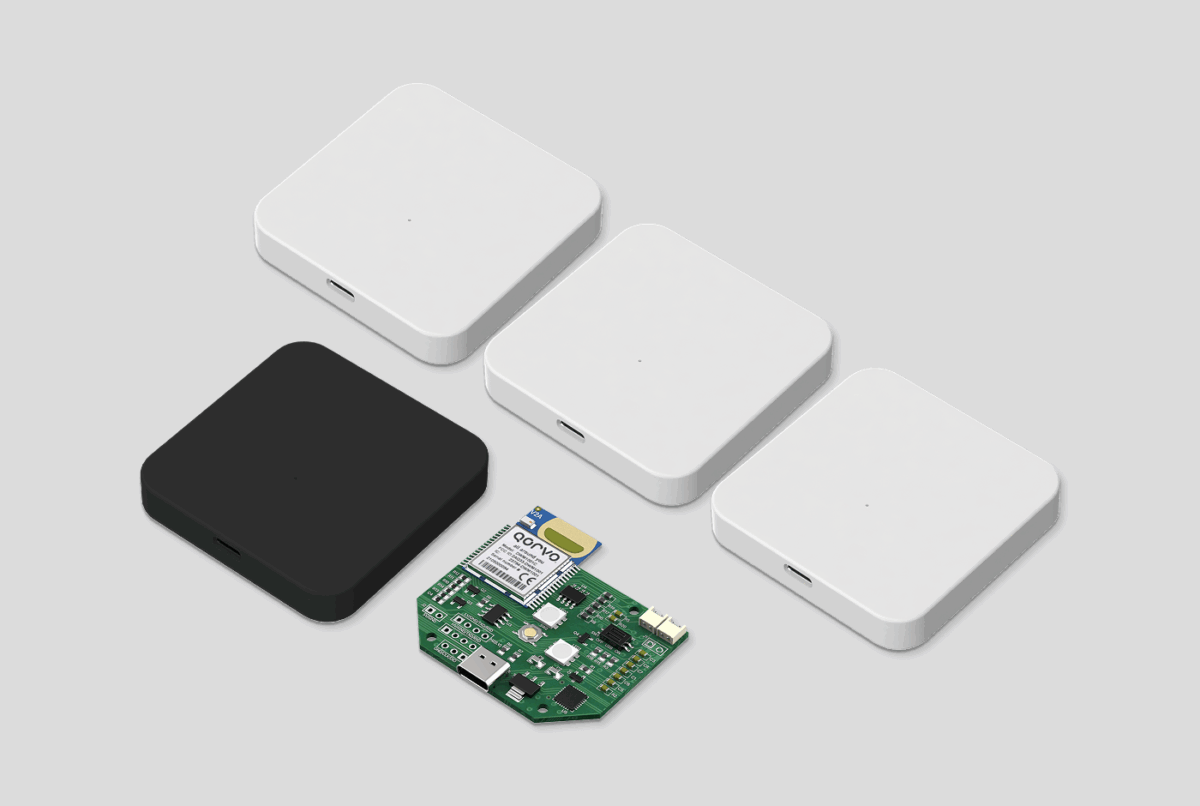
- Complete package: It includes tag, anchor, and listener. No soldering or extra assembly is needed. Experiments can start right away.
The initial cost was higher than DIY. But the students realized it saved time, gave more stable results, and was a smarter investment.

First Connection – Smooth with Arduino
The most exciting moment was the first connection.
Before, even basic communication took several days and often failed. With the UWB Creator Kit, it worked at once.


- Arduino board connected by SPI → DEV_ID printed correctly
- Distance measurement data → appeared regularly in the serial monitor
- Anchor and tag → exchanged signals stably
This simple “first success” gave the students strong confidence. They said:
“Now we can finally move forward with the project.”
What Changed After Using the UWB Creator Kit
Switching to the kit moved the project from “just trying” to “real implementation.”
- Stable distance measurement: Even at several meters, the error stayed small and data was reliable.
- Code flexibility: Using the example code, students could add new functions like danger zone detection and warning messages.
- Expanded test environment: Stable results not only indoors but also in an outdoor parking lot. Later, they even planned integration tests with a TurtleBot3 robot.
A New Starting Point
The DIY failure was a valuable lesson. But adopting the Q1 kit became a turning point.
Now the students are no longer stuck with hardware problems. They can focus on real applications, such as pedestrian tracking and danger zone alerts.
For them, the Creator Kit was not just new equipment. It was the starting line to turn ideas into results. 👏👏
Where to Get the UWB Creator Kit
Freegrow’s UWB Creator Kit is available through estimate requests on:
- Naver Smart S’more
- Devicemart
- or the official Freegrow website
📌 How to Buy
You can get our UWB Creator Kit through Devicemart or by sending a quote request on the Freegrow official website.

Check it out now ▶ [See the UWB Creator Kit]