Raspberry Pi UWB Indoor Positioning: Read Live Coordinates in 10 Minutes
Contents
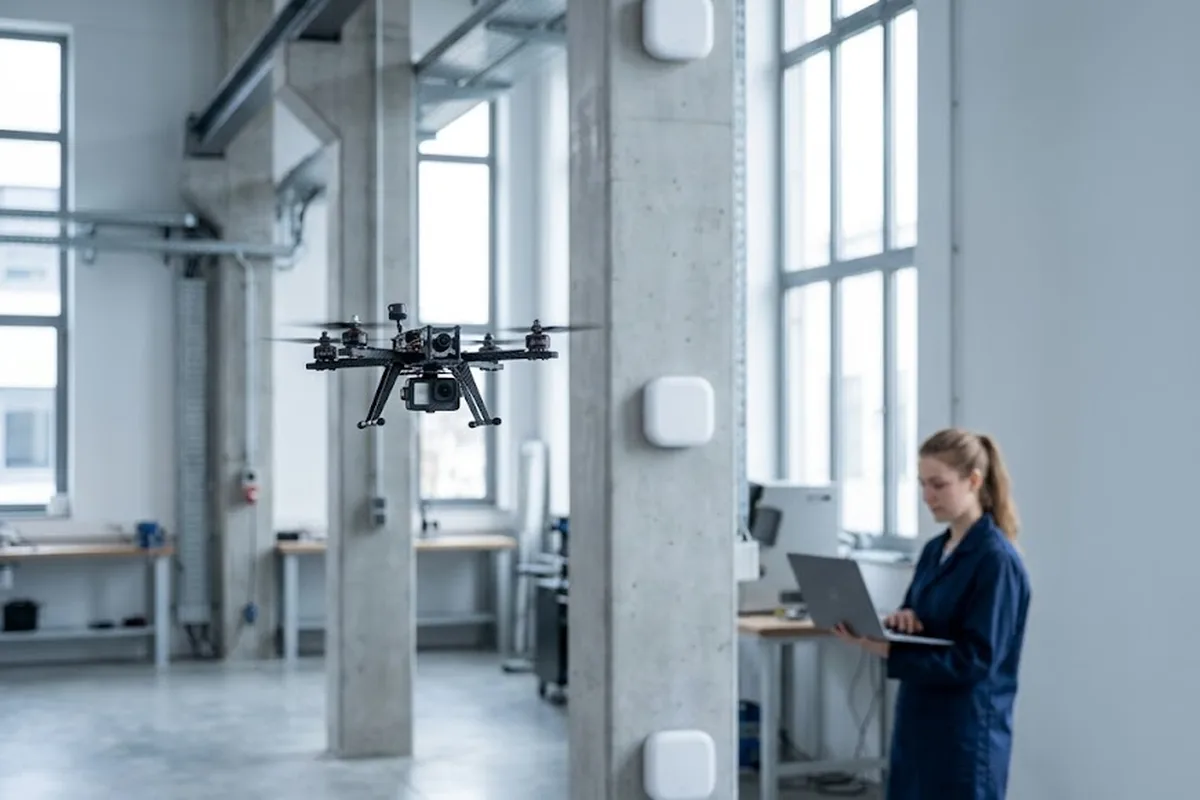
GPS drops out the moment you walk indoors. Roofs and steel beams block the signal, and Wi-Fi or Bluetooth positioning swings by several meters — nowhere near good enough for a robot, a forklift tag, or anything that needs centimeter accuracy.
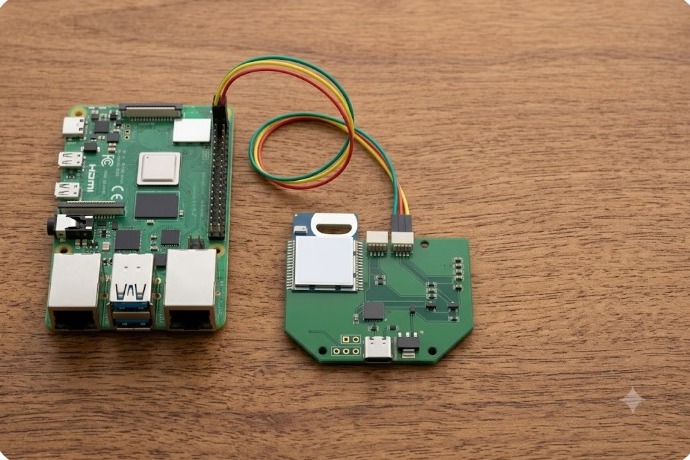
Here’s the short answer: wire a GrowSpace UWB Creator Kit Q1 developer tag to a Raspberry Pi over UART, enable the serial port, and run one Python script. Ten minutes later you’re reading live x/y/z coordinates in your terminal. No prior UWB experience required, and no cloud account either.
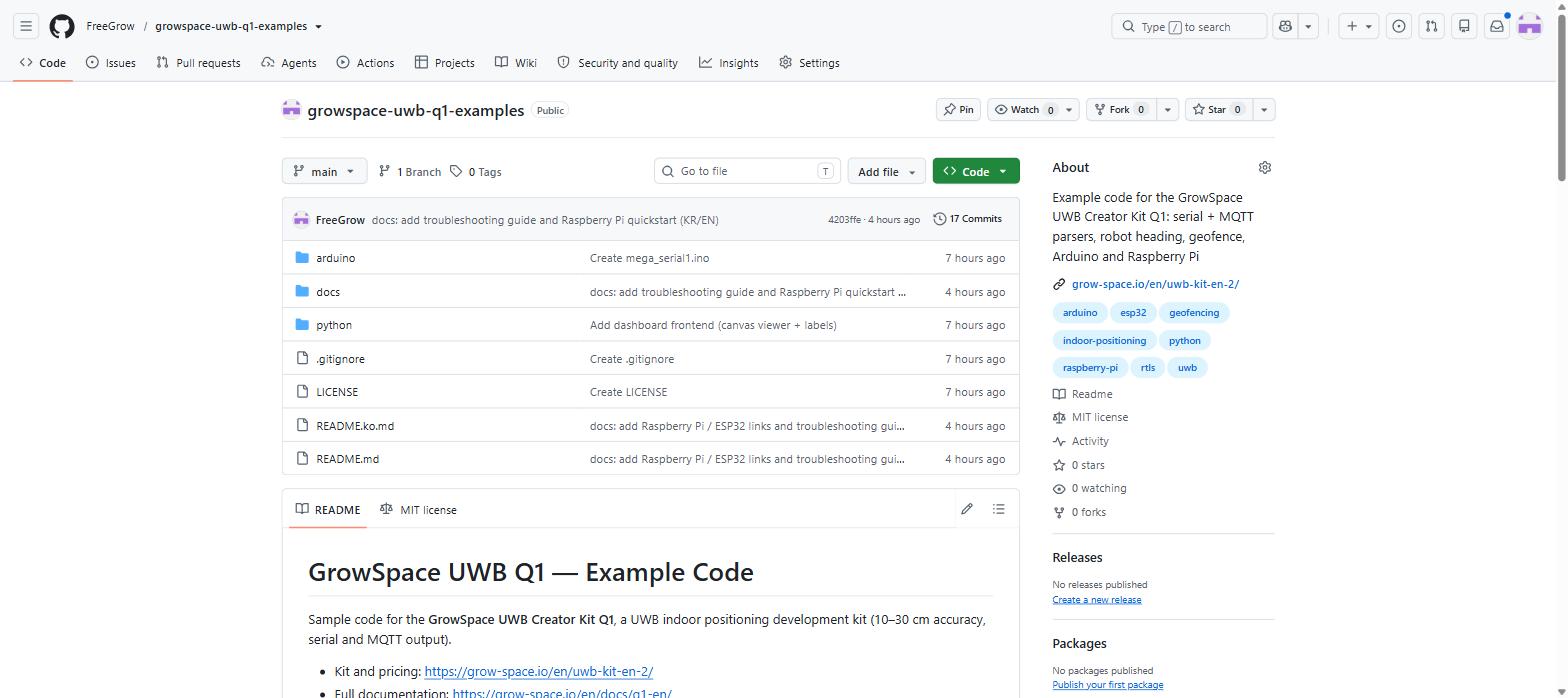
This walkthrough follows the open-source quickstart we published on GitHub, expanded with the wiring details and the mistakes people actually make the first time.
What you need on the bench
A Raspberry Pi with GPIO — Pi 3, 4, 5, and Zero 2 W all work fine
A GrowSpace UWB Q1 developer tag
Three jumper wires: ground, TX, RX
That’s it. No breadboard, no soldering.
Wire the tag to the 3.3V header, not the 5V one
The developer tag ships with two separate connectors, sitting side by side. Only one of them is safe for a Raspberry Pi.
Use the left connector, the 3.3V one. Never touch the 5V side to the Pi’s GPIO pins.
Why it matters: the Pi’s UART runs at 3.3V logic. Push 5V into it and you risk frying the SoC. This single detail is the one thing people get wrong on their first attempt, so check twice before powering anything on.
Wiring is three wires, cross-connected:
Tag pin
Raspberry Pi GPIO pin
GND
Pin 6 (GND)
TX
Pin 10 (GPIO15 / RXD)
RX
Pin 8 (GPIO14 / TXD)
Notice that TX goes to RX and RX goes to TX. Skip that crossover and you’ll get silence on the line, not an error message, which is exactly why it trips people up.
Free the Pi’s UART from the login shell
By default, Raspberry Pi OS uses the hardware UART for a serial console. You need to hand it over to your own application instead.
Run sudo raspi-config, then go to Interface Options → Serial Port. Answer “No” to “login shell over serial,” then “Yes” to “enable serial port hardware.” Reboot when it asks.
Skip this step and the serial port stays reserved. Your script will open the device file without errors and simply never see any data.
Power on the tag, and lines like this start scrolling by:
POS,-3.41,9.54,-1.53,74
That’s x, y, z in meters, followed by a quality factor from 0 to 100. Above 60, treat the fix as stable. Below that, something in the environment — usually metal, or the tag sitting too close to a wall — is degrading the signal.
The growspace-uwb-q1-examples repository on GitHub — the parser, geofence, and visualizer scripts you just ran. Put it on a live map instead of reading numbers
Raw coordinates in a terminal get old fast. The same repository ships a small web dashboard.
cd visualizer
pip install -r requirements.txt
python server.py --source serial --port /dev/serial0
Open http://<pi-ip>:8000 from any browser on the same network, and you’ll watch the tag move across a 2D floor plan in real time. It’s the fastest way to convince a skeptical teammate that the setup actually works.
Where to go from here
One tag on one Pi proves the concept. The same example repository has two things worth trying next: a listener module for tracking several tags from a single gateway, and a geofence.py script that fires an alert the moment a tag crosses a zone boundary you define in a JSON file — useful for anything from a forklift lane to a restricted area around machinery.
Does this need an internet connection? No. The tag talks to the Pi over a wired serial connection. Everything runs locally, with no cloud dependency for basic position reads.
Can I use this with Arduino or ESP32 instead of a Raspberry Pi? Yes. The same developer tag streams position data over serial regardless of what’s on the other end. The example repository includes parsing code that isn’t tied to any single board.
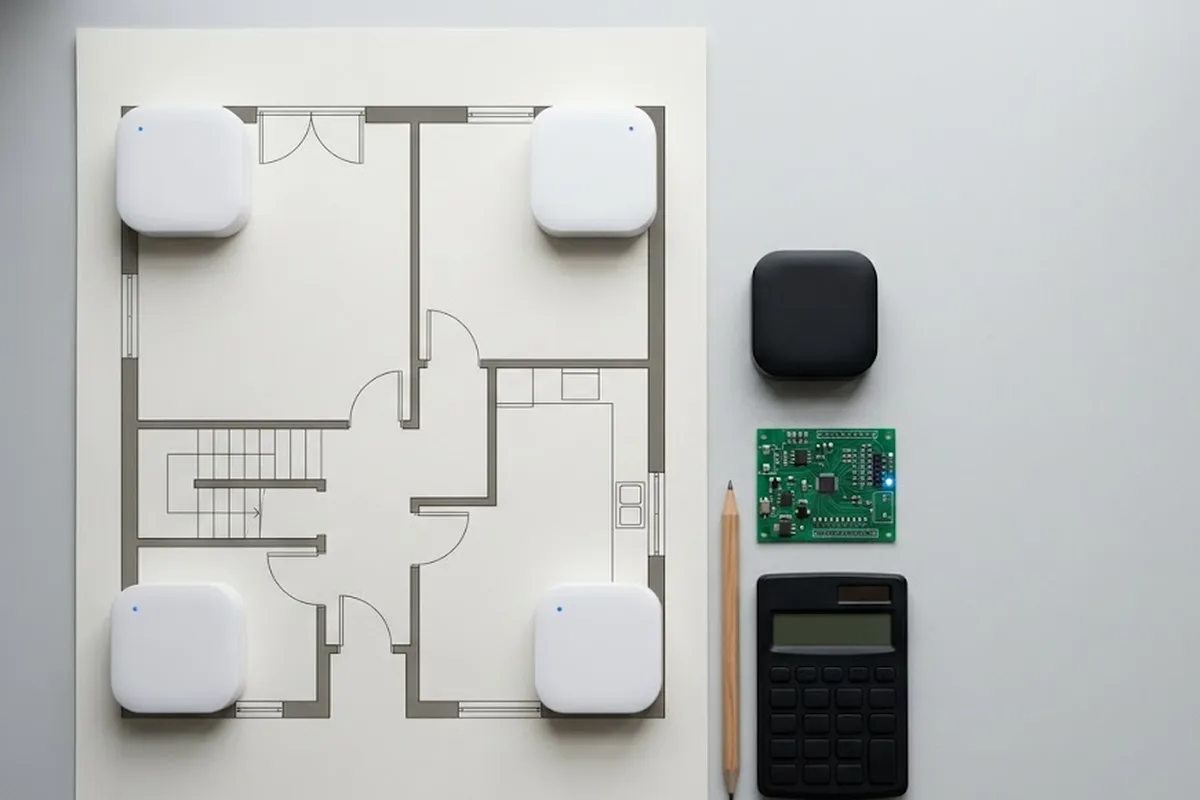
What if the quality factor stays low no matter what I try? Move the tag away from metal shelving or thick walls first — that’s the most common cause. If it’s still low in open space, double-check the anchor layout; three anchors give you a 2D fix, and you need a fourth for height.
Start on your desk
You don’t need a lab or a large budget to start testing indoor positioning. Three wires, one config change, and one Python script get you from zero to live coordinates in about the time it takes to make coffee.