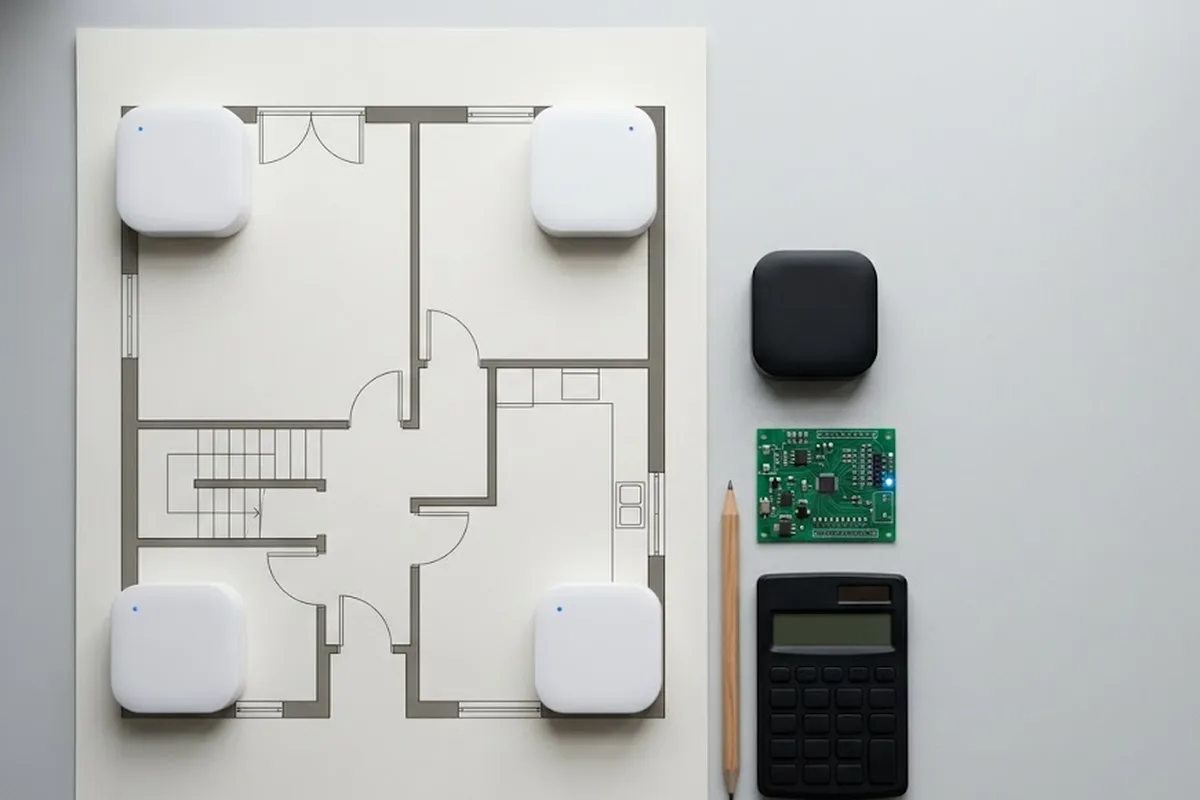
Anchor installation is the step most teams underestimate when their UWB results come out wrong.
Hello, this is Freegrow 😊
When you set up a UWB-based indoor positioning system, most people only think about the XY plane.
But what if you need height (Z-axis) information?
For example, worker safety, drone position, or separating multi-level spaces.
With the normal setup, it is not easy to get accurate height data.
Today, we will show you how to install anchors with the GrowSpace Q1 Kit to measure Z-axis coordinates more accurately.
We also share real data examples and tips for large spaces.
anchor installation — 📡Position Data from GrowSpace Q1 Kit
With the GrowSpace Q1 Kit, you can connect a developer tag or listener device to Arduino.
Then you can see 3D coordinate data in real time.
Open the serial monitor (115200bps). You will see output like:
X: 12.34, Y: 56.78, Z: 9.01

If you use a listener device, you will get POS messages.
These include device ID, coordinates (X, Y, Z), accuracy, and more.This means you can check Z values (height) together with XY values.
So you can analyze space in 3D, not only in 2D.
⚠️ Important Note
The GrowSpace Q1 Kit gives X, Y, and Z data. But this does not mean Z-axis is always accurate.
Z-axis is important in many projects, such as:
- Smart buildings (to know which floor someone is on)
- Logistics automation (to detect height differences)
- Exhibitions (to check if visitors are on different levels)
In these cases, a flat anchor setup is not enough.
Z-axis errors are not system bugs.
They happen because of the installation structure.
So if Z-axis accuracy is critical, you must place anchors in 3D positions.
🤔 Why Does Z-Axis Error Happen?
UWB positioning uses Time of Flight (TWR). It calculates the distance between a tag and each anchor.

If all 4 anchors are at the same height (for example, all on the ceiling), a problem happens:
- The tag could be above or below the plane.
- The distance to anchors looks the same.
- The system cannot tell if the tag is up or down.
This is like a mirror. It is the same as not knowing if the tag is 1m below the ceiling or 1m above it.
✅ Solution: Install Anchors in 3D
To measure Z-axis correctly, you need anchors at different heights. For example:
- Two anchors on the ceiling + two on the floor
- Or spread across ceiling, wall, and pillar
This way, distance differences are clear. The system can calculate the Z-axis direction.

📝 Summary
- If anchors are all in one plane (like the ceiling), the system cannot tell if the tag is above or below.
- To measure Z-axis correctly, always place anchors in 3D positions.
📐 Installation in Large Spaces
In medium spaces (40m × 20m or larger), just placing anchors in 4 corners is not enough.
You also need extra anchors inside. For example:
- 4 anchors in the corners
- Plus 2–3 extra anchors on walls or in the center
This helps balance distance to the tag. Then 3D accuracy, including Z-axis, becomes much better.

GrowSpace Q1 Kit works well in this type of setup.
Remember:
- Keep anchor distance under 15–20m
- Use different heights for anchors
📞 Need Help?
If you use GrowSpace Q1 Kit and Z-axis looks wrong, check the anchor setup first.
If you still have questions or need support, feel free to contact us anytime!
Frequently Asked Questions
How many anchors are needed for accurate Z-axis (height) data?
At least 4 anchors are required for 3D positioning; installing them at varied heights rather than all on one ceiling plane is what actually resolves height accurately, not just anchor count.
Does 3D positioning cost more to set up than 2D?
The main difference is one additional anchor and a Gateway rather than a Listener — GrowSpace's Creator Expansion Kit includes both, so 3D capability doesn't require separate custom hardware.
See full specs on the GrowSpace UWB kit page.
anchor installation checklist before you mount anything
Before drilling, confirm three things about your anchor installation: the mounting height of every anchor, whether any two anchors sit at the same height (which flattens the vertical solution), and the clear line of sight from each anchor to the area you actually care about. Height references follow the same logic as a vertical datum — every measurement is only as good as the zero point you agreed on.
A good anchor installation staggers heights deliberately rather than mounting everything on the same ceiling line. Vary the mounting height across anchors, keep the tag inside the volume the anchors enclose, and re-survey after any layout change on the floor.
PLANNING A DEPLOYMENT?
Which setup fits your site?
GrowSpace designs real-time location tracking (RTLS) around the conditions of your factory, warehouse or construction site — installation, integration with existing systems and ongoing operation handled by one team.