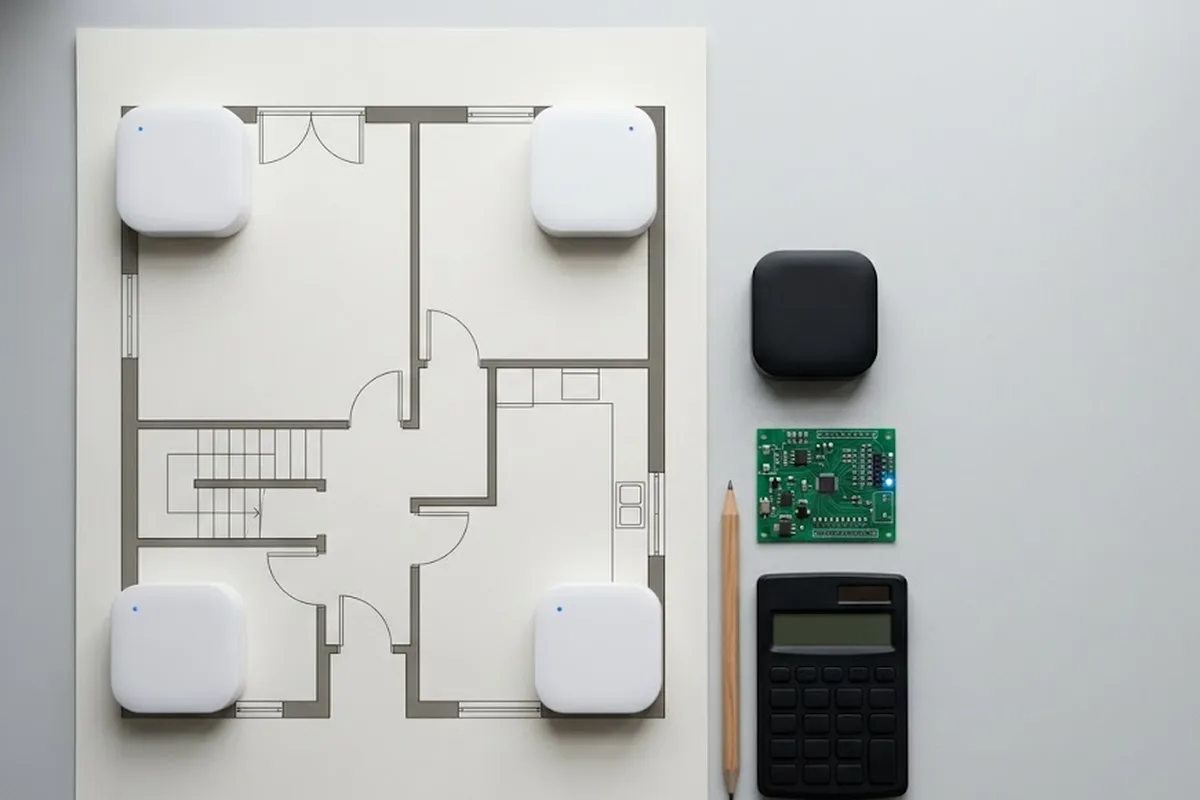
UWB Developer Kit Manual Overview
Hello! PreGrow here.
We provide a step-by-step manual to help you set up and use the GrowSpace UWB Developer Kit for indoor positioning (UWB RTLS) systems.
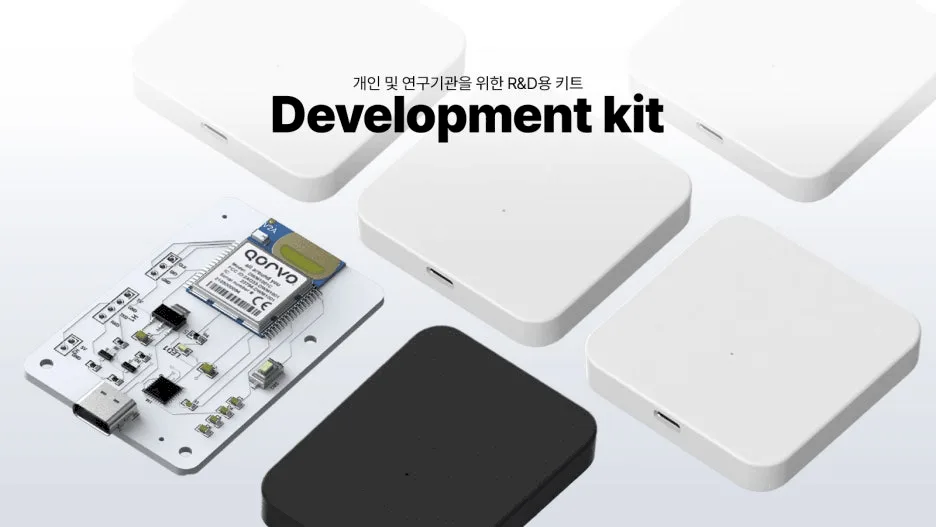
What you can do with this manual:
- Download and install the UWB development program (UWB configuration software)
- Connect GrowSpace UWB devices (Tags, Anchors, Listeners)
- Install the USB to UART driver
Follow the steps carefully, and anyone can easily set up UWB devices!
Check the Video Manual Before Installation!
Before starting the installation, please check the video manual first.
This video provides a clear overview of the required materials and software setup.
Watch the Installation Video Manual
Preparing for UWB Development Program & Driver Installation
Required Hardware
To properly use the UWB device, prepare the following hardware:
- GrowSpace UWB Tags, Anchors, and Listeners

- USB to UART conversion module (may be required in some environments)
- Windows-based PC (Windows 10 or higher recommended, MacOS not supported)
- USB cable (for connecting UWB devices)
Required Software
You need to download and install the GrowSpace UWB configuration software.

- Download the UWB development program (UWB configuration software)
- Run the downloaded
uwb_settings.exefile - If a Windows security warning appears, click More info → Run
- Once installed, the program is ready to use!
Connecting UWB Devices & Running the Program
How to Connect UWB Devices
- Connect the UWB anchor to the PC using a USB cable.
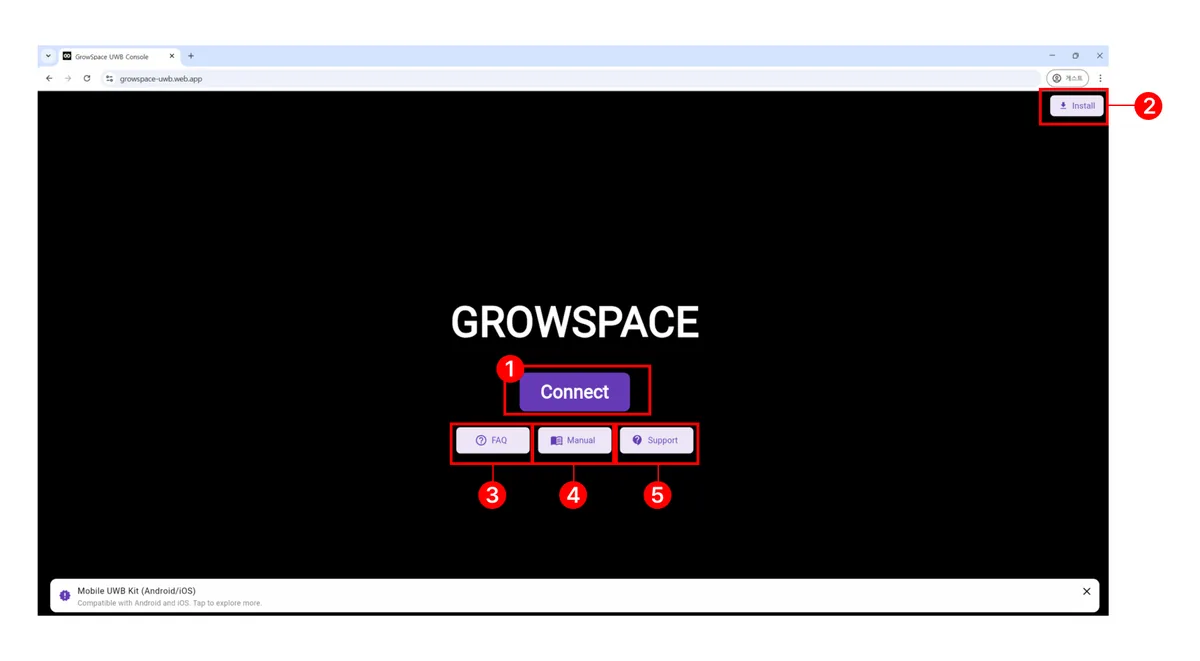
2. Launch the UWB configuration program and select the COM Port (Silicon Labs CP210x USB to UART Bridge (COM3))

Click the [Connect] button to establish the connection!
Device Not Recognized?
- You may need to install the USB to UART driver.
- USB to UART Driver Installation Guide – Follow this guide and try again.
GrowSpace UWB Setup Complete 🎉
Installation is now complete!
Congratulations! You have successfully set up the GrowSpace UWB development program.
Now, you’re ready to build your UWB network and start indoor positioning.
The next step will guide you on how to deploy UWB anchors!
PLANNING A DEPLOYMENT?
Which setup fits your site?
GrowSpace designs real-time location tracking (RTLS) around the conditions of your factory, warehouse or construction site — installation, integration with existing systems and ongoing operation handled by one team.
Related reading