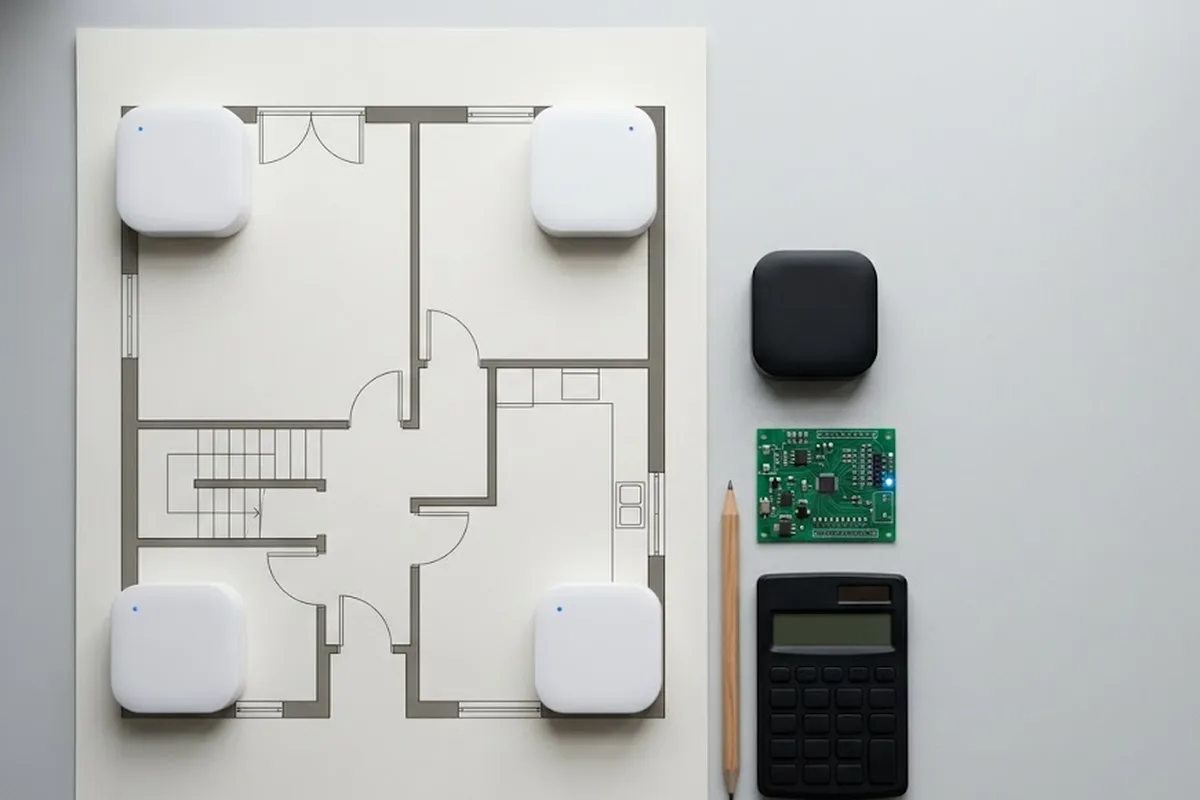
A line forms at the info desk within an hour of doors opening. Booth location, restrooms, next session time, the same three questions on repeat. Organizers install a kiosk expecting that line to disappear, and sometimes it does. Just as often, a visitor taps around for ten seconds, gives up, and walks straight back to the same info desk.
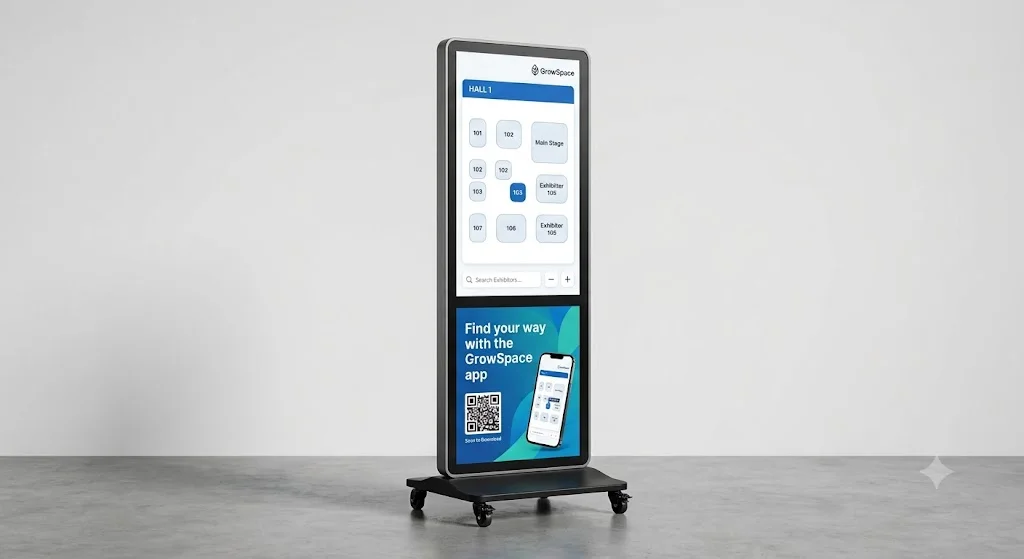
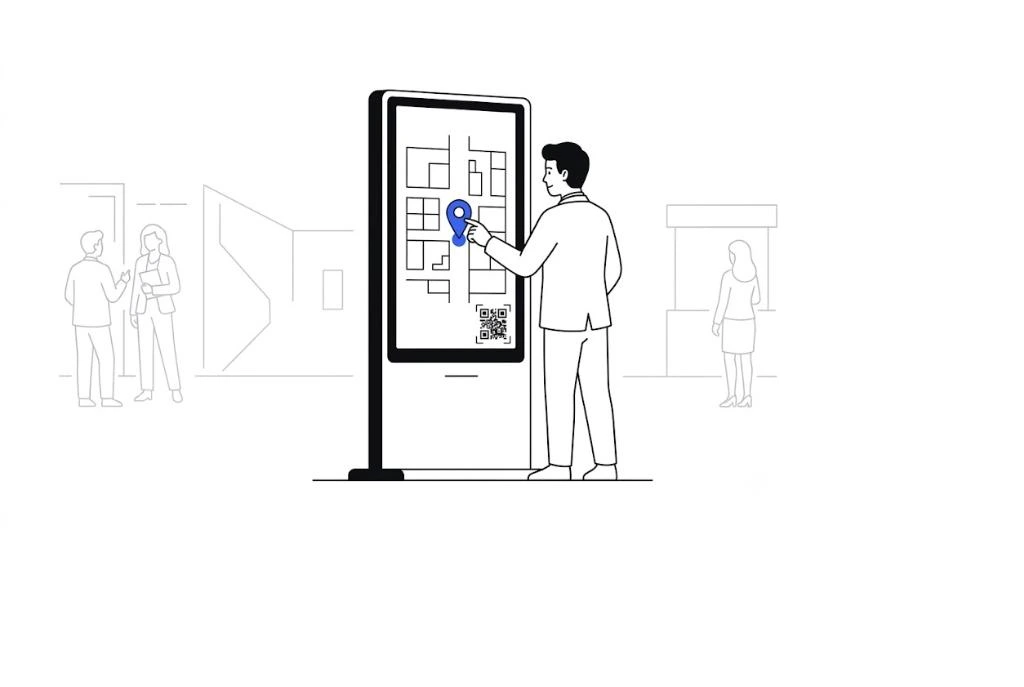
What decides the outcome isn’t the screen itself. It’s what runs on it. An exhibition kiosk is a service, not a piece of equipment, and treating it like hardware first is exactly how that gap opens up.
What actually needs to be on the screen
Booth search and wayfinding come first. Typing an exhibitor’s name should surface its location and a route immediately, not a static floor plan someone has to squint at. Academic conferences and multi-track events add a second must-have: session and speaker schedules, with room location and start time on the same screen a visitor already has open. Stamp tours or other participation features can sit right alongside both, so a visitor never has to switch to a different device to do either.
Software decides the outcome, not the hardware spec sheet
Identical kiosk hardware produces completely different results depending on screen structure and how well it connects to live event data. Pick the physical unit first and the content ends up shaped by whatever that unit happens to support. Decide the content structure first, then choose hardware to match it, and the order stays safe. Touch response speed and screen size both follow from what the content actually needs to do, not the other way around.
Unit count and layout need deciding early
Whether an event runs one kiosk or scatters several across a hall changes how content gets managed. Multiple units need central distribution, one update reaching every screen at once, or the on-site team ends up updating each one by hand mid-event.
| Single kiosk | Multiple kiosks | |
|---|---|---|
| Content updates | Updated individually | Distributed centrally, all at once |
| Data | One location’s data | Combined and compared across locations |
| Fits best | Small events | Large exhibition halls, multi-hall events |
A large exhibition hall benefits from planning for central management from day one. Retrofitting that structure later costs more than building it in from the start.
Someone needs to own it after installation, too
Content changes come up mid-event. A booth moves. A session gets cancelled. Whether the on-site team can push that change immediately, without calling the vendor, is worth checking before the contract is signed, not during the event when it actually happens.
FAQ
Is a kiosk a hardware purchase or a software project?
Software, mostly. The physical screen matters, but what decides whether visitors actually use it is the content and data connection running on that screen. GrowSpace positions the kiosk as a software layer on top of standard hardware, not a device it manufactures and sells.
Can one kiosk handle both wayfinding and a stamp tour?
Yes. Wayfinding, session schedules, and stamp tour participation run on the same screen, so a visitor gets everything from one stop rather than juggling a phone and a kiosk separately.
The screen was never the hard part
A kiosk fails for the same reason a spreadsheet fails: someone chose the tool before deciding what it actually needed to do. Settle the content and the data connection first, and the hardware choice gets a lot simpler.
→ See how GrowSpace builds kiosk software for live events.