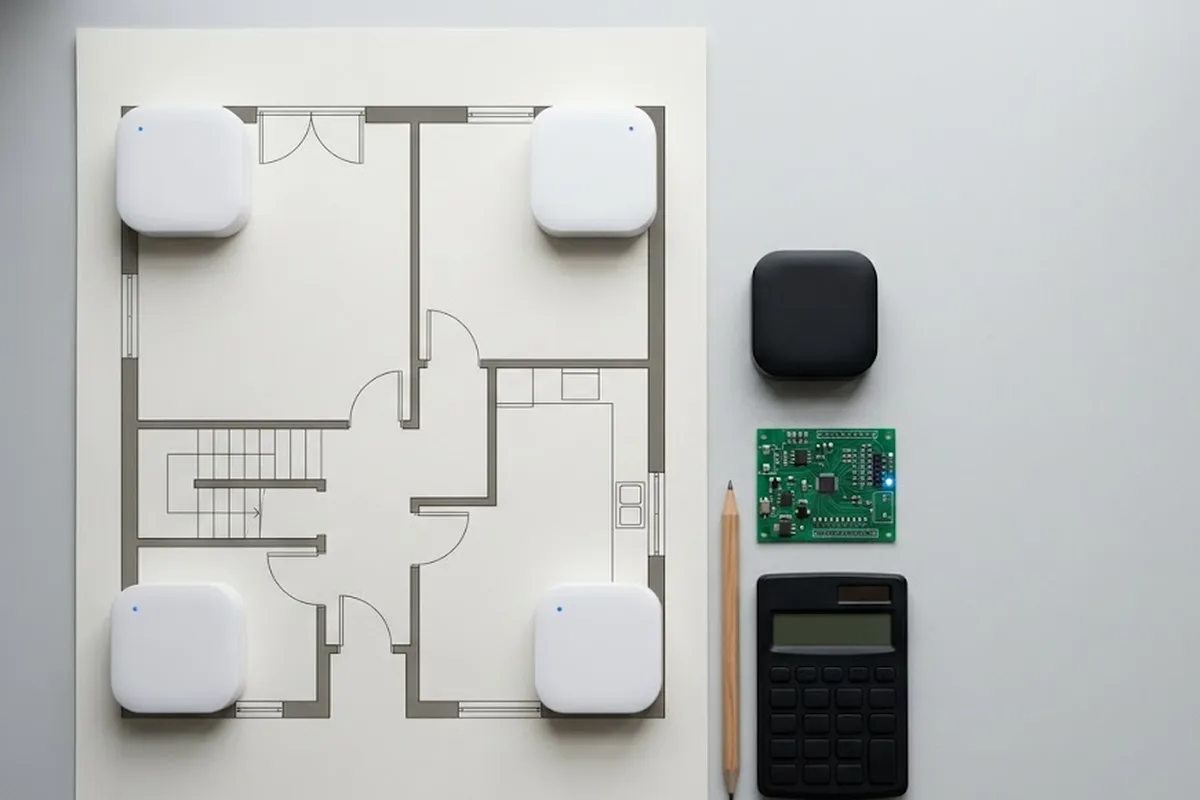
The website is built by one vendor. The booth map comes from another. Exhibitor information lives in a spreadsheet somewhere in between. One event, three separate points of contact, and every time something changes, an organizer has to notify all three by hand.
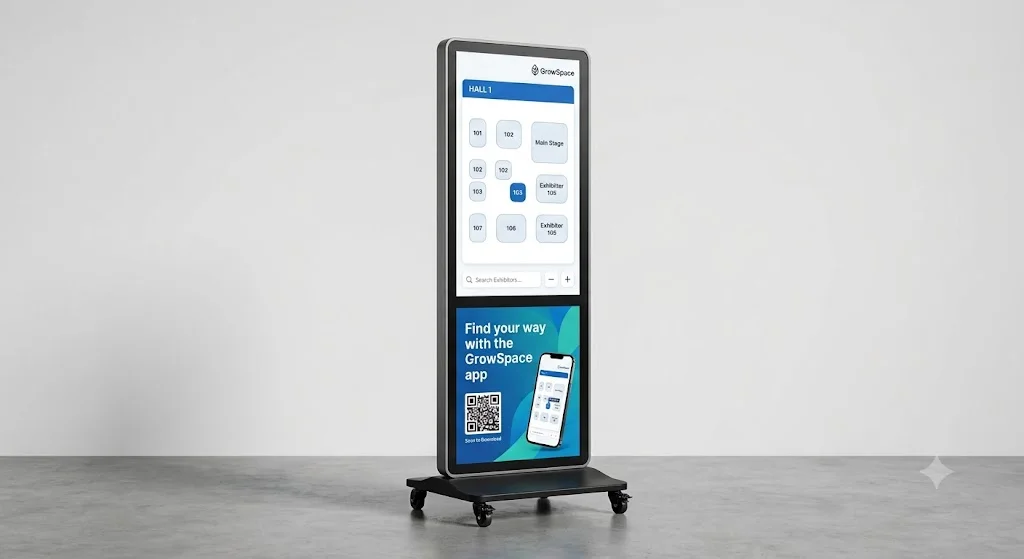
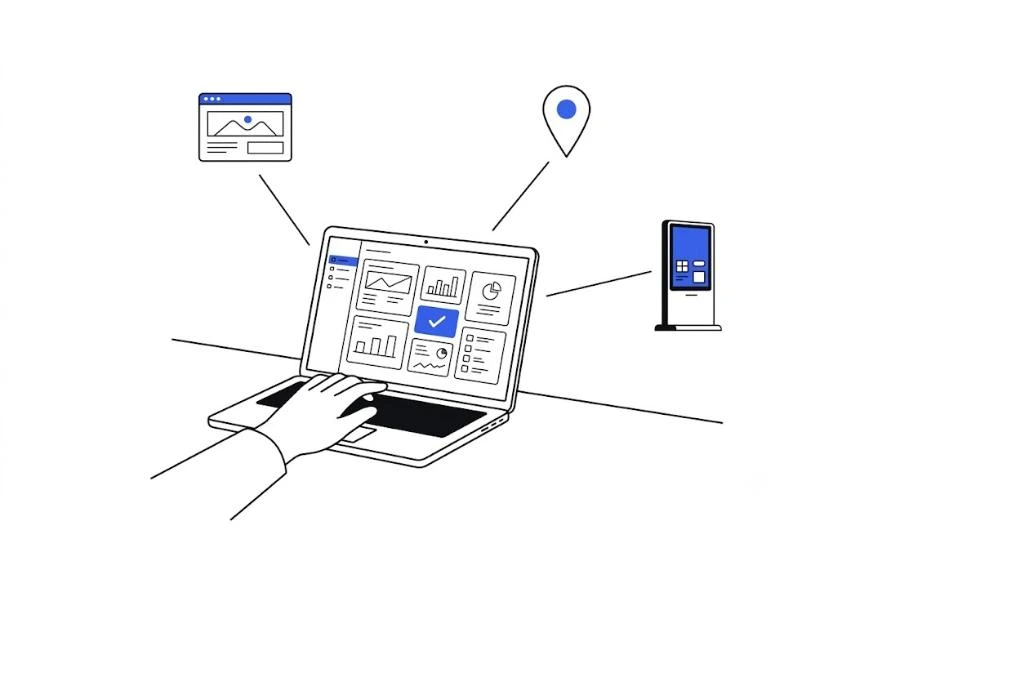
That’s usually the first thing worth thinking through before an organizer starts looking into exhibition website production: making a website look good and managing an event’s operating data in one place are two different problems.
What actually goes wrong when these are built separately
Exhibitor information has to be entered twice, once for the website, once for the map. Add a new exhibitor and forget one of the two, and the omission slips through unnoticed. A schedule change is worse: it has to reach the website, the map, and the info kiosk all at once, and missing even one leaves visitors looking at three different versions of the same event. Coordinating with separate vendors eats time on its own. Send the same edit request to two companies and get it back on two different timelines.
What changes with integrated management
Enter exhibitor information once, and it shows up on the website, the map, and the kiosk at the same time. One entry, several screens. Update the schedule or a notice in one place, and every screen reflects it immediately, no organizer chasing down three vendors to confirm the same fact.
What to decide before production starts
Page structure needs to match what the event actually needs, exhibitor applications, visitor registration, booth guides, whichever function matters most changes the whole layout. Design flexibility is worth settling early too: a fully custom design takes longer to build than working inside a set template, and that tradeoff is worth deciding on purpose rather than by default.
| Standalone website | Integrated management | |
|---|---|---|
| Point of contact | Website, map, kiosk each separate | One admin screen |
| Updating information | Entered repeatedly, in multiple places | Entered once, reflected everywhere |
| Fits best | Website only, no map or kiosk planned | Running a map and kiosk alongside it |
An organizer already running a map or kiosk, or planning to, saves real switching cost by starting integrated rather than converting later.
FAQ
Does integrated management mean a less customizable website?
No. Layout and branding still get built to the event’s needs. What changes is where exhibitor data and event updates live, one shared source instead of three disconnected ones.
What happens if we already have a website and just need a map added?
The two can be connected after the fact, but starting an event integrated from day one avoids the double entry that shows up whenever a map gets bolted onto an existing standalone site.
One entry, not three
The website looking polished was never actually the hard part. Keeping exhibitor information, schedules, and notices consistent across a website, a map, and a kiosk is. Solve that once, and the rest gets a lot less painful to run.
→ See how GrowSpace runs an exhibition website, map, and kiosk from one admin screen.