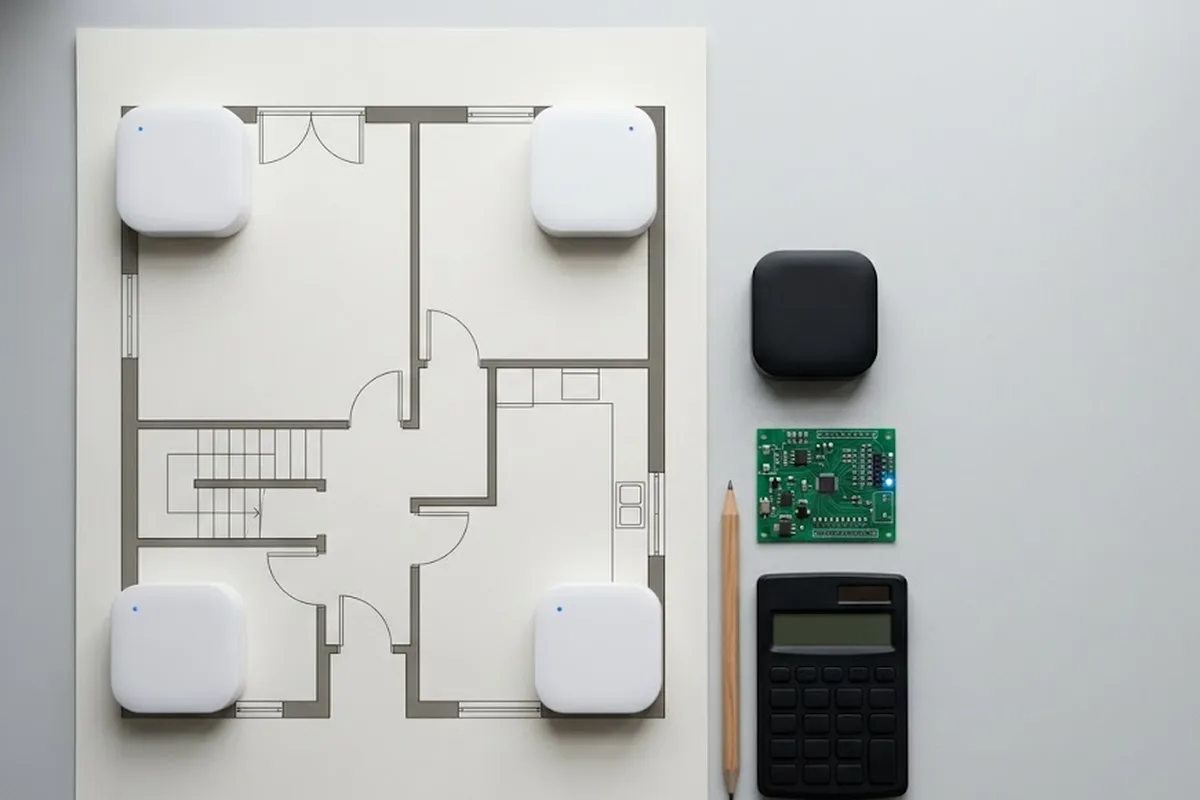
“Which floor is this store on?” An info desk hears some version of that question dozens of times a day. Some stores hand out paper directories. Others bolt a big floor-directory board to the wall. Both need reprinting or repainting the moment a store changes, and in a department store, stores change constantly.
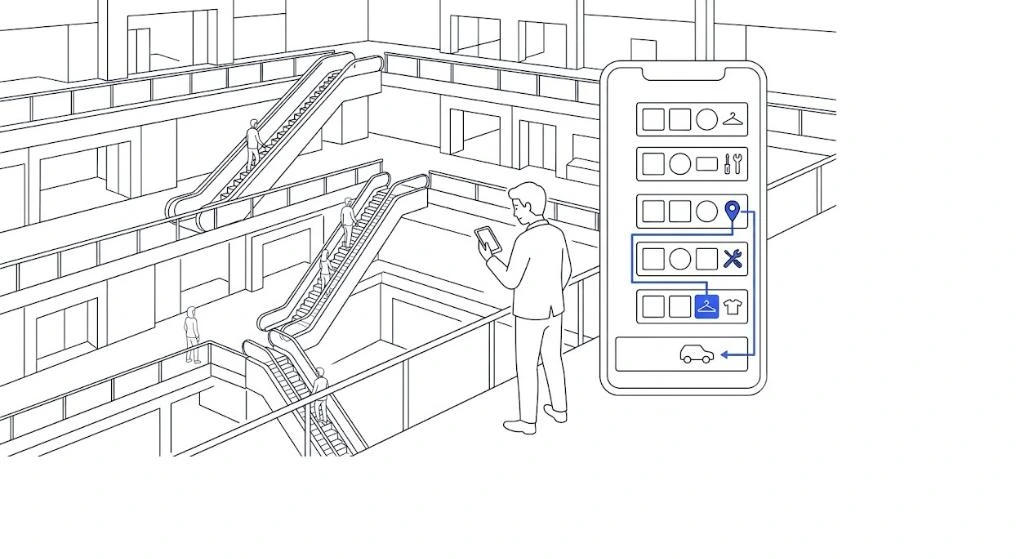
Digitizing the indoor map cuts a lot of that churn. Just scanning the directory board into a screen isn’t enough on its own, though.
Turning a directory into a searchable map is a different job
Scanning a floor-directory image onto a screen is quick to build, but a customer still has to scan the whole thing with their eyes to find one store. Attach real location data to every store instead, and typing a store’s name pulls up its location and a route immediately. The more floors a department store has, the more that difference matters.
What a department store map usually misses
Store lists change often. Pop-up stores and seasonal rotations are common enough that how easily the map data can be updated matters more than almost anything else. Floor-to-floor routing needs its own attention too: a route that ignores where the escalators and elevators actually sit ends up guiding a customer down a path they physically can’t take. The stretch from the parking garage to the actual store is another spot a lot of department stores miss entirely. Guide someone from parking straight to the store they want, in one continuous route, and the customer experience changes noticeably.
| Static directory | Searchable map | |
|---|---|---|
| Format | Floor-by-floor image board | Data-based map, store by store |
| Handling store changes | Needs reprinting | Updated instantly from an admin screen |
| Fits best | Few stores, rarely changing | Frequent store turnover |
A department store running frequent pop-ups cuts a lot of operating burden by starting with a searchable map rather than a static one.
Management matters more after launch
Someone has to own updating the map data every time a store changes, and how that update happens matters. If every change means calling the original developer, updates slow down fast. GrowSpace builds the indoor map, the admin interface, and the ongoing data updates together, so a store change doesn’t mean tracking down an outside vendor each time.
An honest gap, not a claim
GrowSpace doesn’t have a live department store deployment to point to yet. The map service is already running at a convention center and two hotels, on the exact kind of multi-floor, GPS-dead layout a department store shares. Whether that translates directly is a fair question, and the honest answer is a pilot, not a promise.
FAQ
Does this only work for large department stores?
No. The same searchable structure works for a single-floor store just as well; a multi-floor department store is simply where the difference between a static directory and a real map shows up the most.
Can parking-to-store routing really run in one path?
Yes, as long as the parking level itself is mapped alongside the retail floors. Without that, the map still stops at the store entrance the way a paper directory does.
The directory board was never the finish line
A floor directory answers where. A route answers how to get there. Most department stores still only have the first one solved.
→ See how a searchable indoor map is built and kept up to date.