
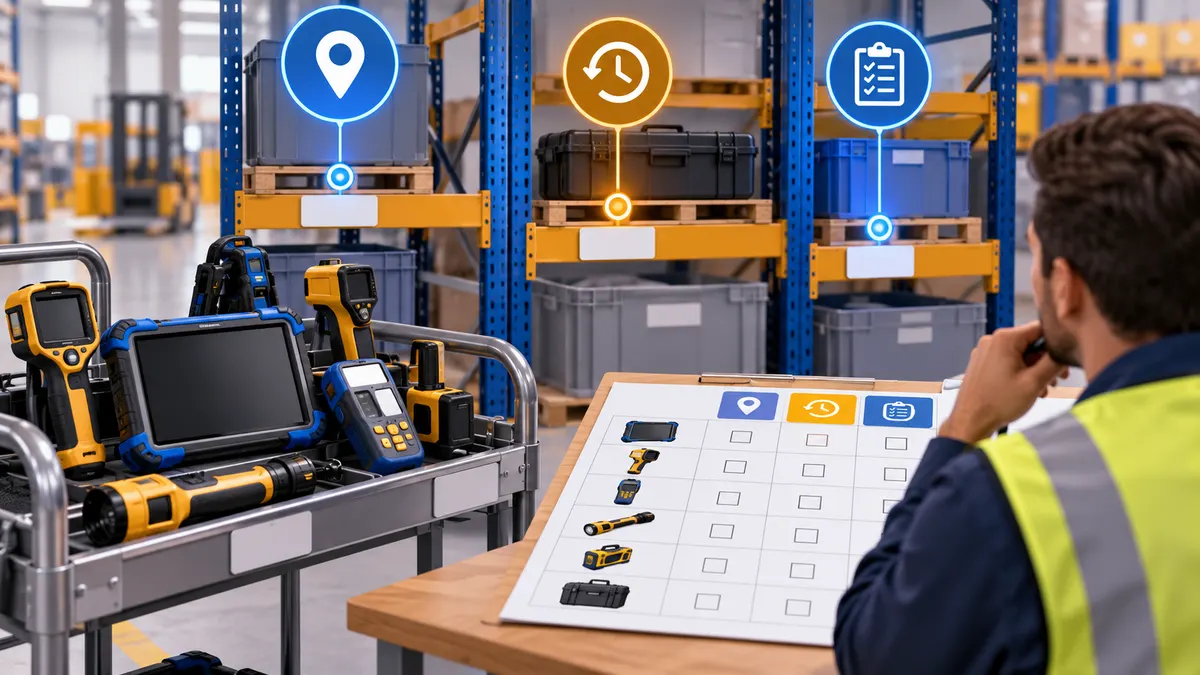
To reduce time spent searching for warehouse equipment, start with the assets that repeatedly interrupt work and the question each search must answer. Some equipment needs a reliable home location. Some needs a record of who took it. Equipment that moves unpredictably between work areas may justify current location data. The useful starting point is a short search log, followed by a decision about how fresh and precise each location needs to be.
This guide helps operations teams decide what to track before choosing a system. It does not assume that every tool, component or stock item needs an electronic tag.
Start with the search that stopped a job
Consider a hypothetical maintenance team looking for a shared inspection instrument. The inventory system confirms that the instrument exists. Its assigned storage location is correct on paper. The instrument is actually beside a machine where another team last used it.
There are several possible failures here: nobody recorded the loan, the return process was inconvenient, the storage label was unclear, or the instrument moves too frequently for manual records to stay useful. Each suggests a different intervention.
For each real search incident, record:
- The asset or asset category requested
- Where the requester first expected to find it
- When searching began and when the asset was found, or the search was abandoned
- The last known location and the eventual location
- Whether the asset was available, in use, under maintenance or missing
- What work waited, and whether another asset could substitute
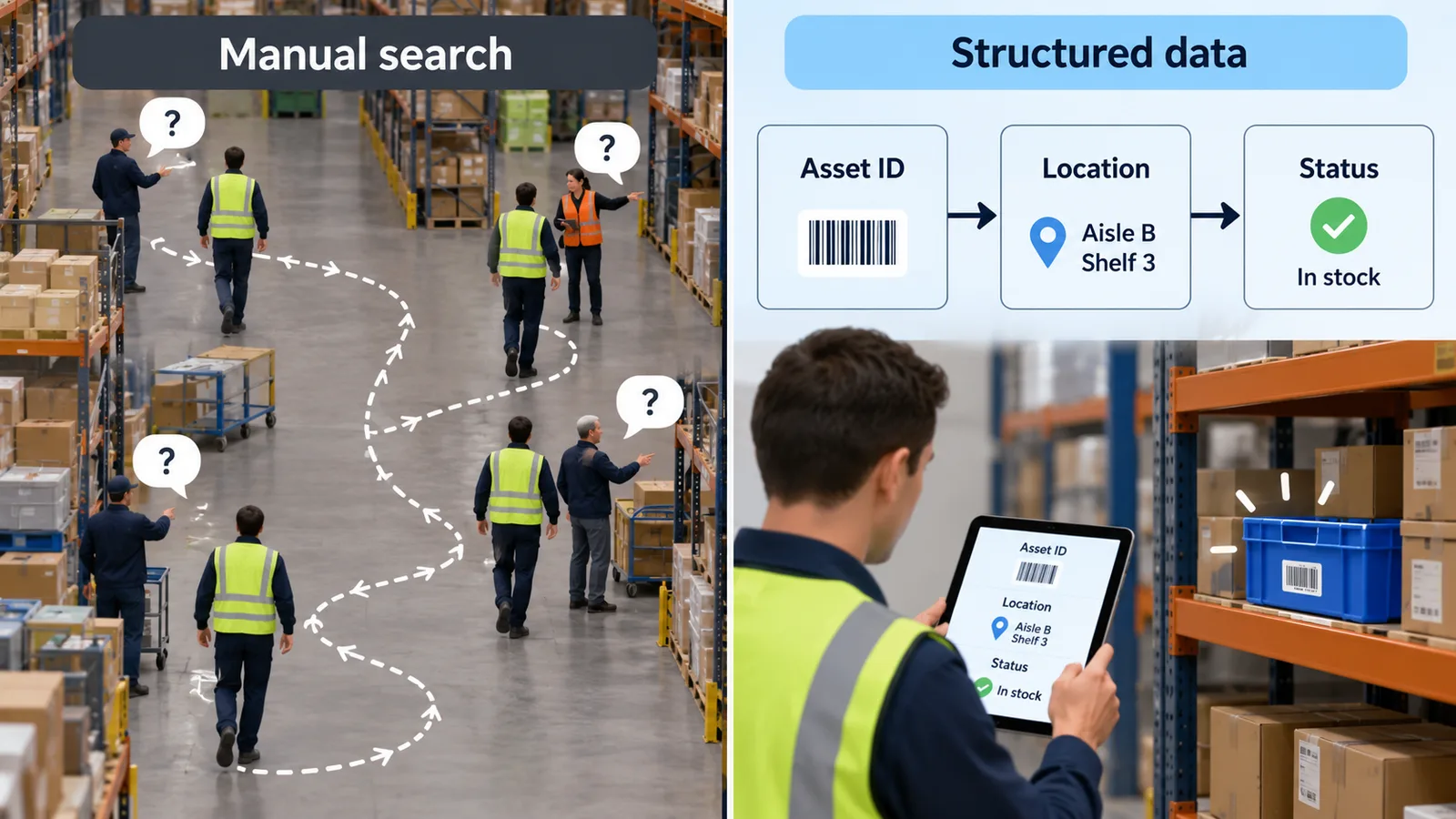
Keep search time separate from repair time and ordinary travel time. Record unsuccessful searches too. A log containing only easy recoveries can hide the most disruptive incidents. Use role or team names where individual identities are unnecessary.
Choose the location answer the worker needs
A warehouse can use several tracking methods at the same time. The following is a decision worksheet, not a performance comparison or a claim that one technology is always better.
| Operational question | Candidate approach | Condition to check |
|---|---|---|
| Is the instrument in its assigned storage position? | Labeled home location and return check | Whether people can complete the return step reliably |
| Which team checked it out? | Checkout log or barcode/QR transaction | Whether every handoff is recorded |
| Where was it last observed? | A scan or identification checkpoint | Whether the item may have moved since that observation |
| Which work area is it in now? | Location system evaluated for those zones | Whether location freshness and zone distinctions match the task |
| Where within the work area should someone look? | Coordinate tracking evaluated at the site | Whether the displayed position is usable around actual racks and equipment |
A last-seen record should include its observation time. A record made at receiving yesterday cannot establish an item’s current location after several unrecorded moves. Equally, a live map of an instrument cannot establish whether it is calibrated, reserved or safe to use. Those statuses need their own records.
Build an asset-by-asset shortlist
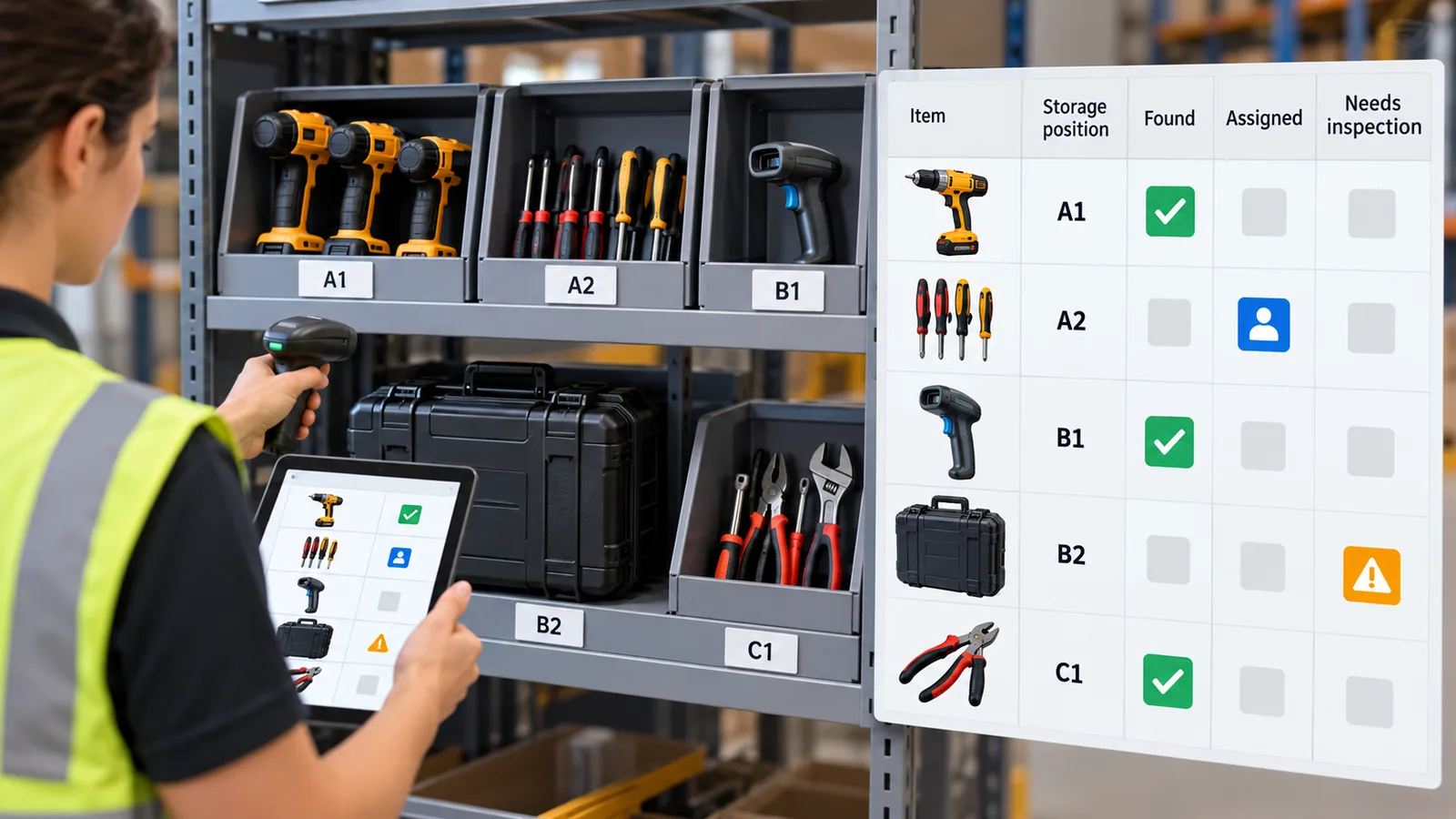
Use one row per asset class before counting tags. The examples below are hypothetical and do not describe a customer installation.
| Asset class | Movement pattern | Information needed | First thing to test |
|---|---|---|---|
| Shared inspection instrument | Carried between maintenance jobs | Current area plus availability status | Whether a checkout process resolves most searches |
| Portable test rig | Moved between several production areas | Recent position and recognizable asset identity | Tag attachment, coverage and a usable map label |
| Spare motor in controlled storage | Rarely moved | Correct storage location and withdrawal record | Storage discipline and scan compliance |
| Reusable handling fixture | Moves with jobs | Location linked to the current fixture assignment | Whether fixture identity is consistently recorded |
Add the number of items, move frequency, acceptable location age, acceptable search area and business-system owner to your own version. “Real time” is too vague for an acceptance criterion. Describe the worker’s next action: for example, selecting the correct room before walking there. The team can then agree how old a position may be before that action becomes unreliable.
Check whether a tag represents the right thing
Before a trial, inspect where a tag could be attached without interfering with use, cleaning or handling. Confirm that it will remain attached to the intended asset and that its identifier can be matched to a label staff recognize.
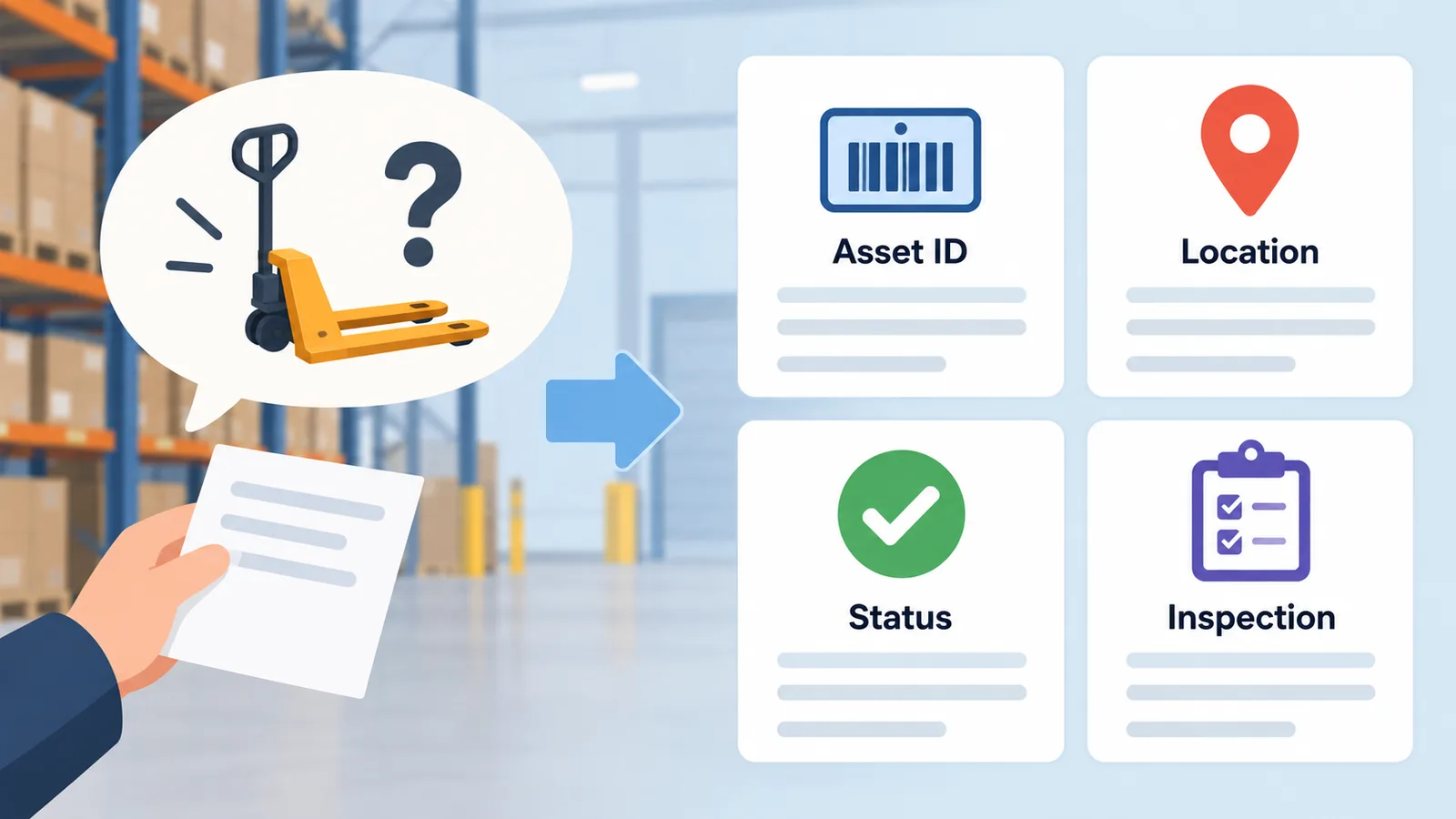
A tag on a carrying case locates the case. It does not establish that the instrument remains inside. A tag on a pallet carrier does not identify its changing contents. If those relationships matter, include an assignment or verification step in the workflow.
Also identify the boundaries of the proposed coverage. Record what the application should show when equipment leaves that area, stops reporting or is sent for repair. “Last seen in the test area at 10:15” is more useful than a map marker that silently appears current.
Where an RTLS evaluation fits
GrowSpace’s Q1 guide describes a development kit using tags and anchors, with a USB-serial Listener and a separate Gateway for MQTT delivery. These are ways to obtain position data; the retrieval workflow and asset-status rules still need to be specified.
For a site deployment, use the GrowSpace RTLS consultation page to discuss the shortlisted assets, layout and operating requirements. Product documentation checked on 6 October 2026 is the reference for this article; installation suitability and the delivered application scope need confirmation for the proposed configuration.
Measure the retrieval workflow before expanding
Run the trial around a defined asset group and representative work periods. Use the same search-start and search-end definitions before and during the trial. Record searches where staff ignored the system, where the asset identity was wrong and where the position was stale.
Review median search duration alongside long searches, failed searches and how often workers found the right item in the first indicated area. If the work mix or staffing changed, keep that difference visible. A lower observed search time alone does not establish cash savings; that requires a separate analysis of how the recovered time was used.
The next decision should be specific: improve the return process, keep a transaction-based record, extend a location trial, or stop because the information is not useful enough.
Preparing an equipment-visibility project? Discuss your asset search workflow with GrowSpace. Bring the asset shortlist, a simple search log, the areas involved and the location freshness your team needs.
Related posts
- Buying a UWB Kit for an Overseas Team: What to Include in Your RFQ
- Freegrow Selected for DIPS Advanced Manufacturing Track, Evolving Its Single UWB Positioning Device Into Integrated Land-and-Sea Hardware
- Freegrow Selected for 2026 TIPS R&D Deep-Tech Track, Advancing AI Agent-Based Autonomous Space Operations
- Can RTLS Stay On-Premises? A Network and Data-Ownership Checklist for IT Teams