
Before evaluating AI workflow automation, define the task, its data, and the points where a person must review or approve the next step. Connecting a tool to a spreadsheet does not by itself resolve inconsistent fields, missing information, or unclear ownership. Start by mapping the input, responsible person, exceptions, approval boundary, and system access.
1. Choose one recurring task
A broad goal such as “automate sales” or “automate inventory” is difficult to scope. Pick one recurring step instead: organizing quote requests, or consolidating inventory sheets into a consistent format. Use one or two recent examples to record when the task starts, what information it receives, and who uses the result.

2. Define the spreadsheet fields and rules
A “quantity” field can mean individual units or packs; a date can mean order date or receipt date. Check whether column names, units, and date definitions match across files. Identify a key that distinguishes each item or customer, and decide how to handle duplicates, blank cells, and older file versions. Record who owns the source file and its change history so a result can be checked against its origin.
3. Separate quote drafts from final approval
For a quotation task, identify the fields used in calculations and who enters or approves discounts, delivery terms, and special conditions. Customer-specific prices or contract details also require clear access and handling rules. Considering automation does not mean quotes are automatically finalized or sent. Keep the reviewer, editing rights, and approval before external delivery explicit.
4. Check inventory items, units, and timing
For inventory records, confirm the item code, unit, warehouse or location, the time represented by the quantity, and who last updated the source. The same item may have different names in different files, or records may be refreshed at different times. Decide which source is authoritative and who should resolve a mismatch.
5. Define exceptions and human review
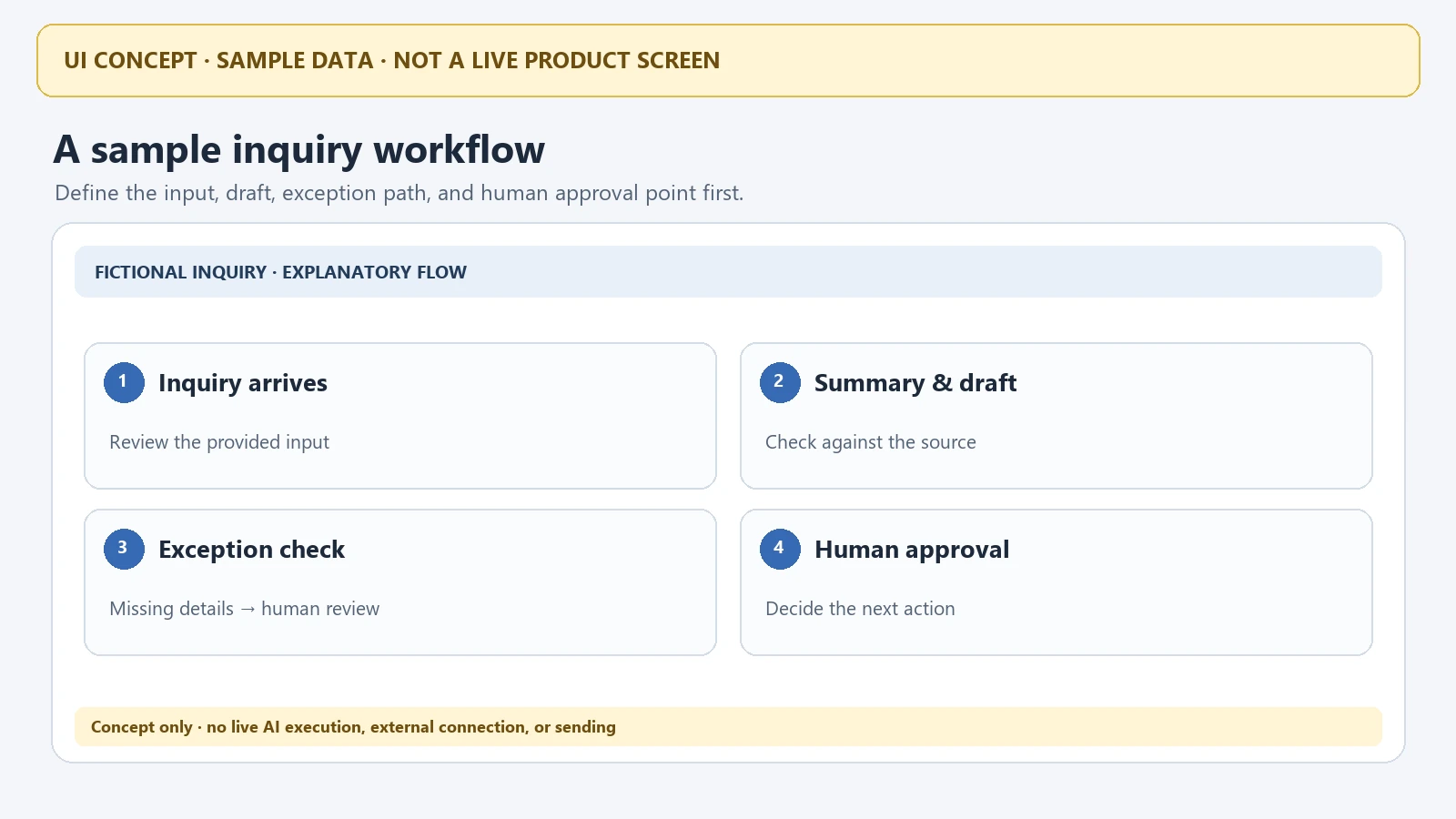
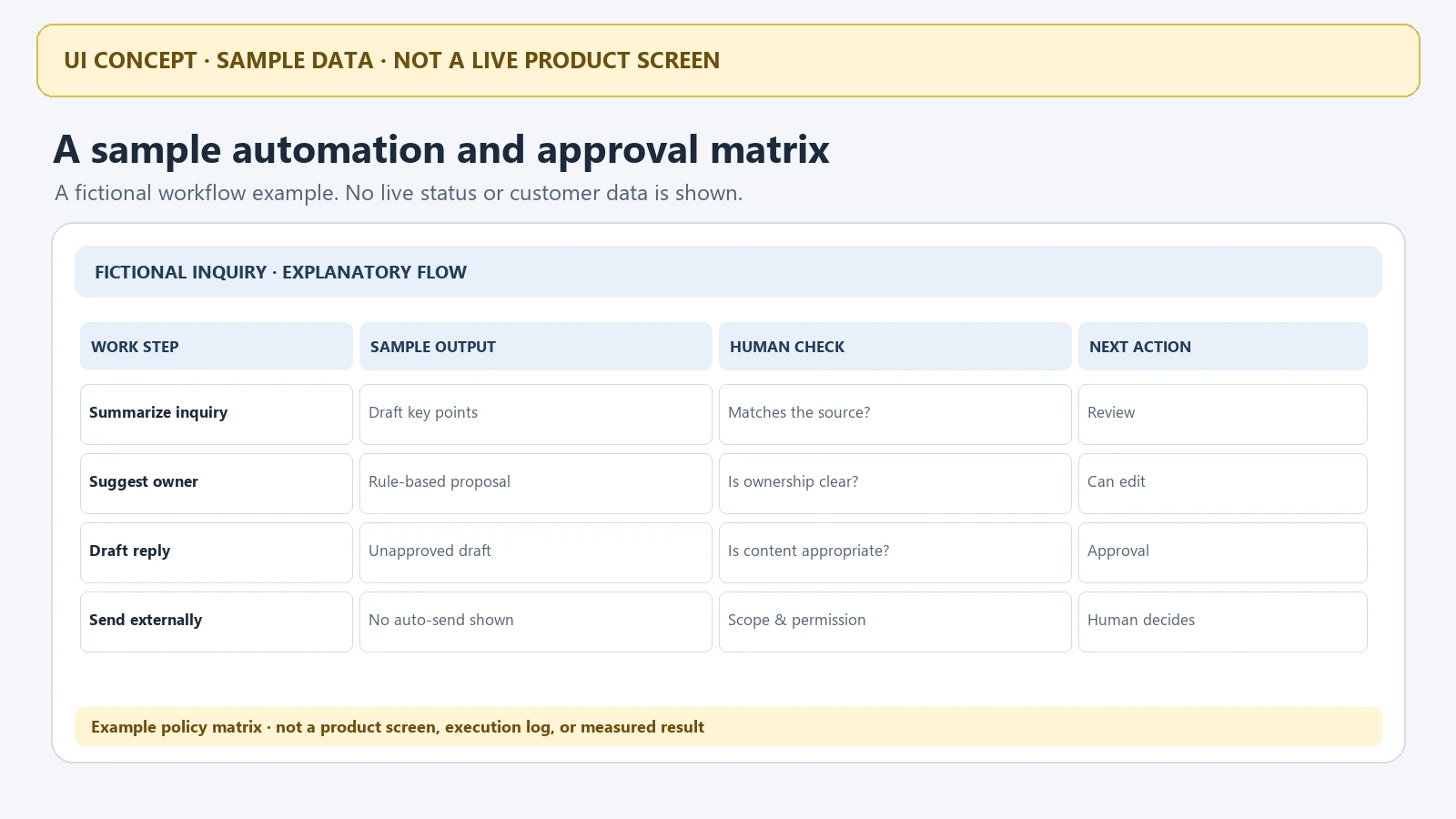
Missing fields, inconsistent units, conflicting rules, and a result that differs from its source are predictable exceptions. Decide whether each case should pause, who should review it, and where an unapproved result should remain. For difficult-to-reverse actions—such as finalizing a quote, sending it externally, or changing inventory data—make the approval owner and scope explicit.
6. Review Excel, ERP, MES, and other integration conditions
List where the same information currently lives: spreadsheets, an ERP, MES, WMS, or another system. A system name alone cannot establish whether an integration is feasible. The data format, available access method, account permissions, refresh timing, system owner, and security policy all matter. Use that inventory to discuss whether existing tools are sufficient or a custom build should be considered.
7. Set a small scope and review criteria
Begin by evaluating one recurring task with a limited set of appropriate examples. Check whether the output matches its source, whether exceptions are visible, and whether the responsible person can understand and approve the result. Implementation scope, cost, and timing depend on the task and integration conditions; no uniform outcome or connection to every system should be assumed in advance.

What to prepare before a consultation
- One recurring task and a recent example
- Spreadsheet columns, units, and a sample with sensitive data removed
- Who enters, reviews, and approves quote or inventory data
- Typical exceptions and the next action for each
- Systems involved, access and security conditions, and refresh timing
FREEGROW’s custom systems and software service page is a starting point for discussing recurring work and possible scope. Feasible functions and integrations need to be assessed against the actual data, systems, and access conditions.
Discuss an AI workflow automation candidate and its review points
Related posts
- [Arduino Mega 2560 Guide] GrowSpace UWB Tag Integration – Receiving and Parsing Position Data
- [Part 2] GrowSpace UWB Serial Communication Guide – Sending Commands and Reading Data with Tera Term
- RTLS System Buying Guide: What to Check Before You Sign a Contract
- Build Your Own UWB Setup, or Buy a Kit? An Honest Guide