

For RTLS no-data troubleshooting, first establish where the last usable position was observed. Check the device output or broker observation separately from the subscriber, database and screen. Preserve the time of the failure and the current configuration before changing anything. A short, well-labeled evidence packet is more useful than a screenshot showing an empty map.
This guide covers missing or stale data. If coordinates arrive consistently but appear in the wrong place, use the appropriate positioning and installation guidance instead. The checklist is an observation and escalation method; it does not reproduce a tested failure on your hardware.
State the symptom precisely
“No data” can mean that every tag disappeared, one tag stopped updating, a parser rejected incoming records, a database stopped accepting writes or a screen retained an old point. These are different observations, even if the user sees the same blank area.
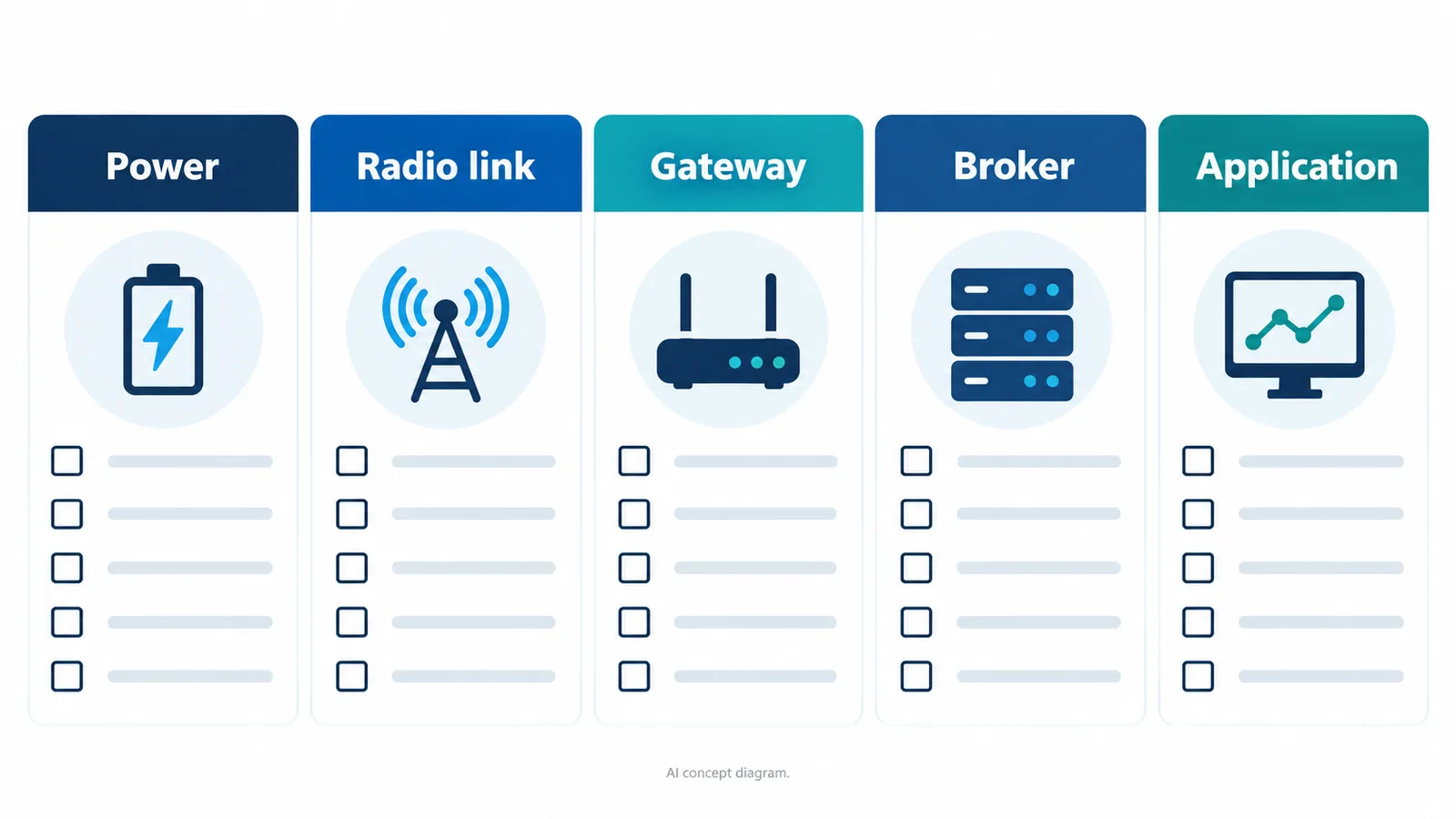
Record three times, including the time zone:
- The last known good result
- The first observed failure
- The time each diagnostic observation was collected
If the exact start is unknown, write “first noticed” rather than inventing an outage start time. Capture what changed recently, including software deployments, equipment moves, device replacements, network maintenance and application configuration.
Avoid immediately resetting devices or rewriting settings. Those actions can remove evidence or introduce a second problem. If a change is necessary under your operating procedure, preserve the previous values and record the result of that one change.
Confirm which data path you are using
The Q1 guide distinguishes a Listener that outputs through USB serial from a separate Gateway that forwards data through MQTT. A diagnostic for one path may be irrelevant to the other.
For the Listener path, identify the connected device, host, selected serial interface and the software reading it. Follow the current model-specific setup guide to verify required settings. Do not copy an unverified command or baud-rate value from an unrelated example.
For the Gateway path, identify the intended gateway, broker and consuming application. Record configuration values in a restricted diagnostic record, but redact credentials, tokens and confidential network details from anything shared outside the approved support channel.
Product documentation was checked on 6 October 2026. Exact commands, firmware behavior and device settings should be matched to your installed version.
Walk the path using observations
Work from the earliest accessible evidence toward the user-facing result. The table suggests questions; it does not assume every layer exposes the same diagnostic facility.
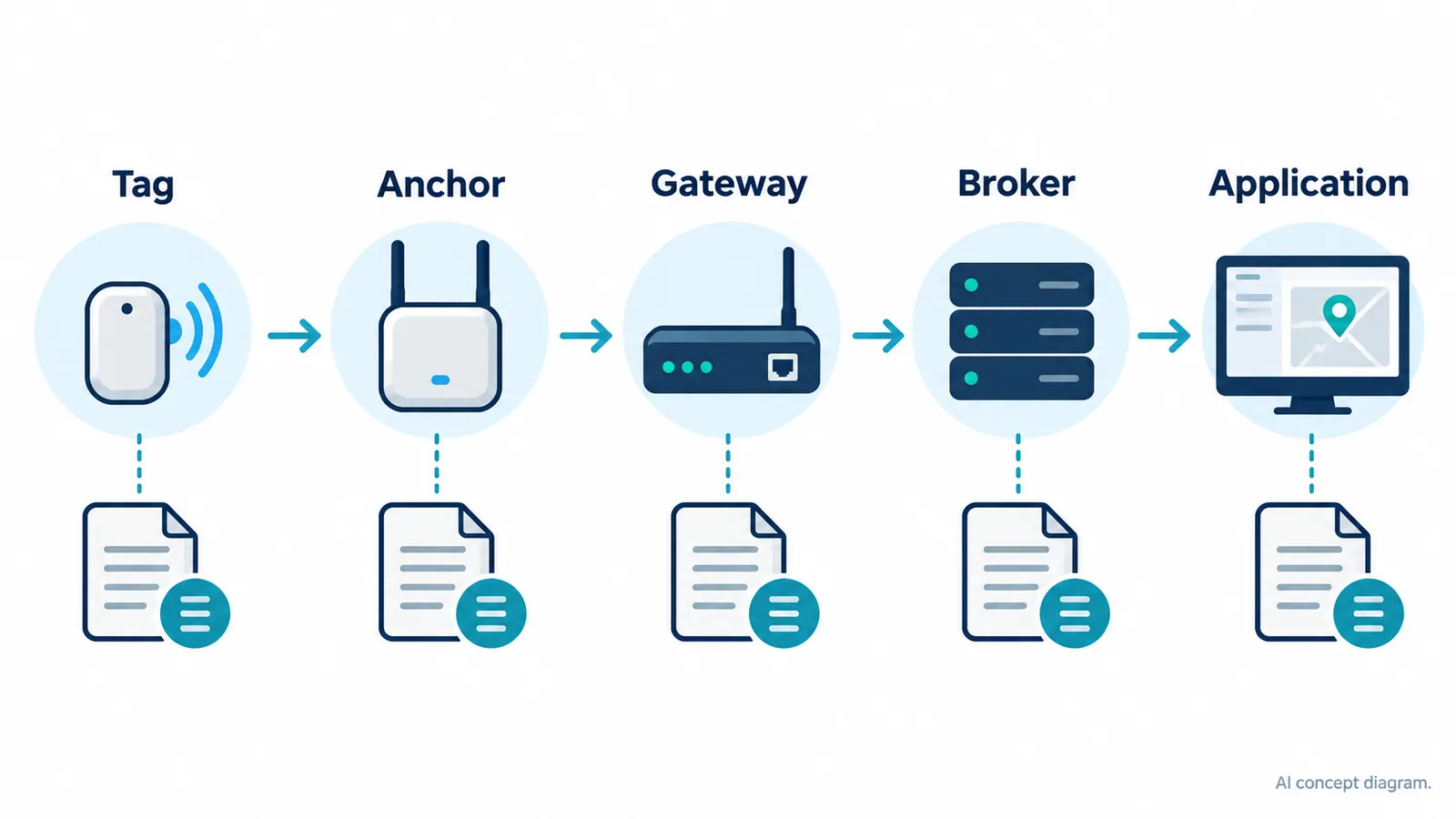
| Layer | Observation to collect | What the observation can distinguish |
|---|---|---|
| Scope of affected devices | All tags, one tag or a subset; actual identifiers in restricted records | A shared-path issue versus a narrower symptom |
| Device and configuration | Model, firmware, recorded setup and visible operating state | A configuration change or device-specific condition |
| Listener path | Whether the documented output is visible to an approved diagnostic reader | Output availability versus downstream application handling |
| Gateway and broker path | Connection evidence and whether expected publications are observed | A missing stream versus a consumer-specific problem |
| Subscriber | Receipt counts, timestamps and parser errors | Transport receipt versus rejected or unprocessed data |
| Storage | Accepted writes, failures and backlog observations | Processing success versus persistence failure |
| Display or event service | Last accepted observation and refresh/error state | Stored data availability versus a stale presentation |
Use approved diagnostic access with the minimum scope required. Do not disable firewalls, expose a broker publicly, broaden topic permissions or share credentials simply to make a test easier.
A broker connection alone is not proof that the expected position records are being published. Similarly, a healthy application process does not establish that it is consuming the right stream.
Classify the failure before escalating
The following branches help make the report actionable:
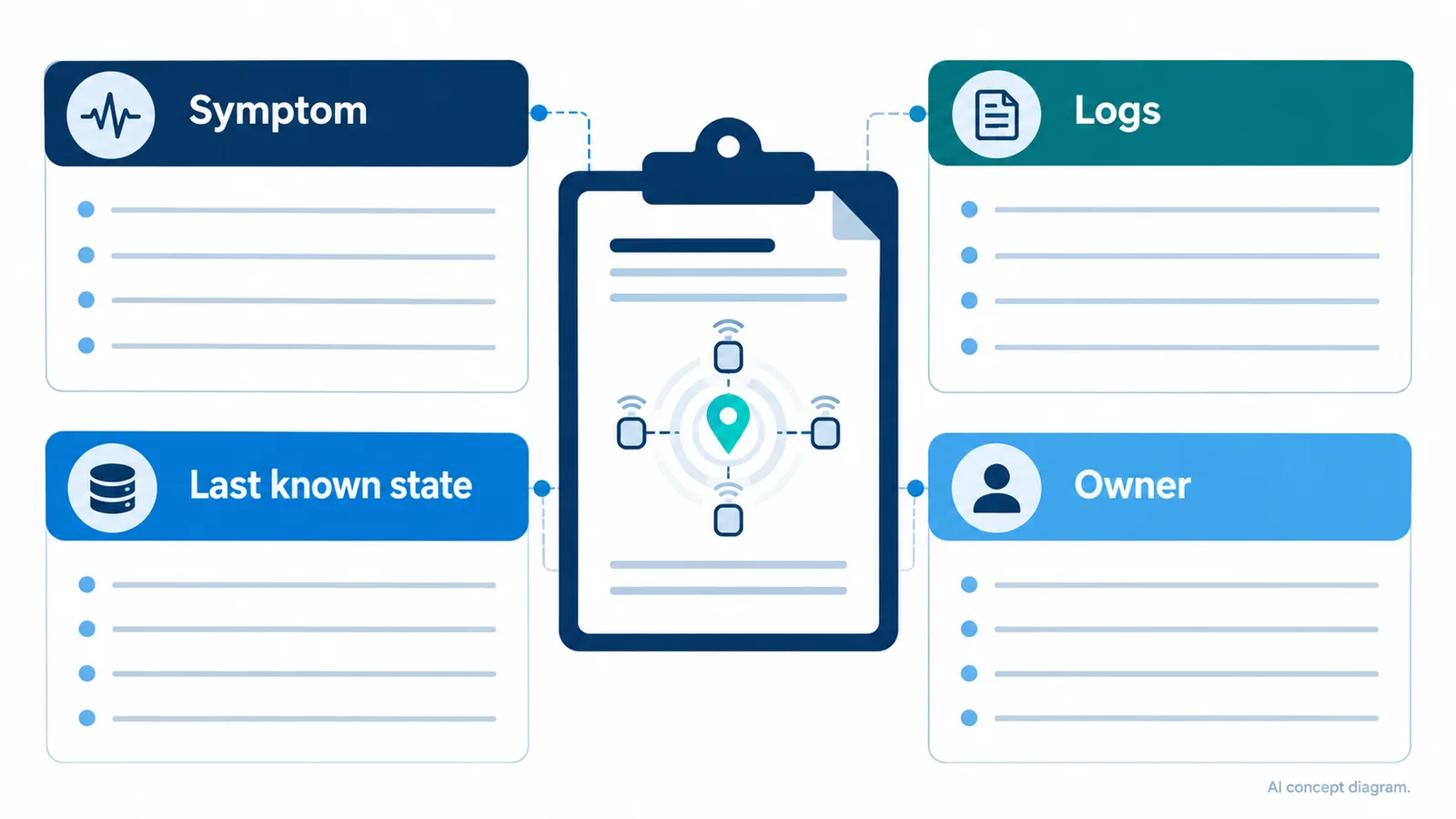
Expected source output is absent. Report the affected device group, last known good configuration and what the current official setup checks show. Keep this separate from assumptions about the broker or user interface.
Source output is present, but the subscriber sees none. Compare the approved connection and subscription configuration and collect relevant connection errors. Do not publish live endpoint details in a public issue tracker.
The subscriber receives records, but they are rejected. Provide a sanitized example, the parser version and the rejection reason. Check whether the consumer expects a different packet type or schema version before editing the source data.
Records are processed, but the application looks frozen. Compare the last processed record, the last successful storage operation and the last update used by the display. The position marker should expose its age if the workflow depends on current location.
Only one tag is affected. Capture that scope explicitly and compare against an unaffected tag under controlled conditions, following the site’s operating procedure. Avoid changing multiple variables at once or assuming the symptom proves a hardware failure.
Prepare a compact support packet
Copy this structure into the approved support channel and fill only the fields needed for the issue:
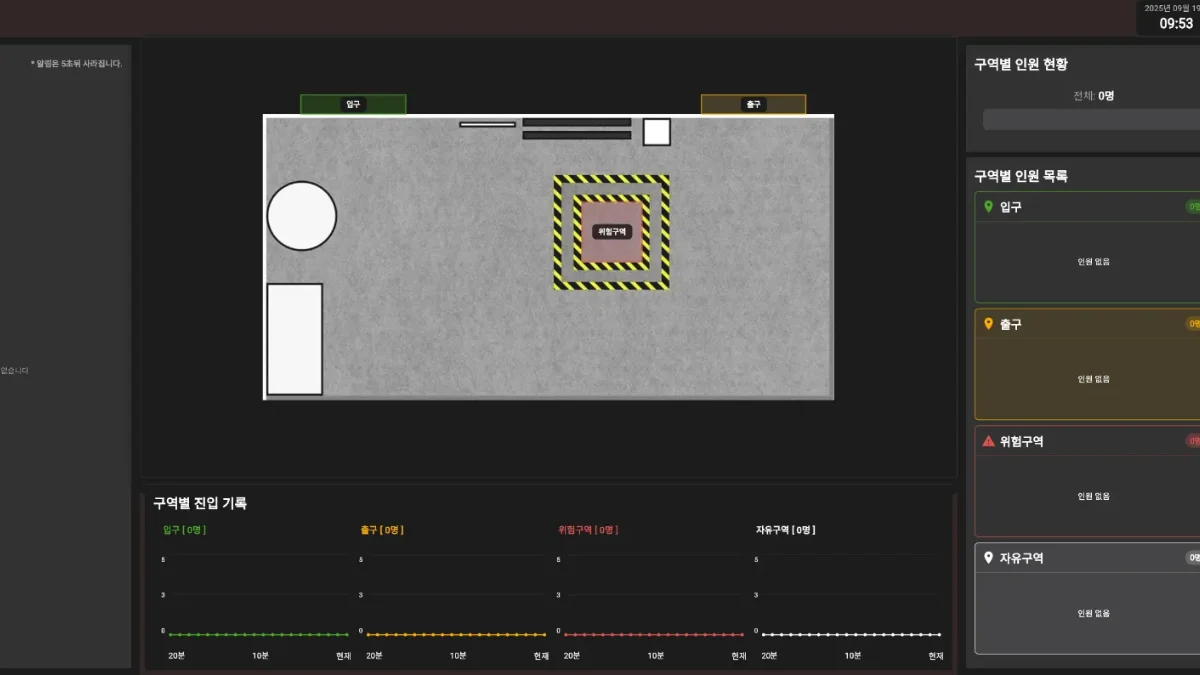
- Product and exact device models:
- Firmware, configuration tool and application versions:
- Data path: Listener/USB serial or Gateway/MQTT
- Affected scope: all devices, subset or one device
- Last known good time and first observed failure, with time zone:
- Expected behavior and actual observation:
- Recent changes:
- Earliest layer where expected data is absent or rejected:
- Sanitized sample and relevant error excerpt:
- Reproduction steps in a controlled test environment:
- Checks already performed and each result:
- Operational impact and available test window:
Keep an untouched original internally if your policy permits it. In the shared copy, substitute stable placeholders for confidential identifiers so the relationships remain understandable. Redaction should remove secrets without turning every distinct device into the same indistinguishable label.
Confirm recovery through to the consuming workflow
When data returns, check the layer that originally failed and the final application. Observe whether timestamps advance, affected tags return, processing queues settle and stale indicators clear correctly.
Review the outage interval separately. There may be a gap in history even when live service has recovered. Do not claim that missing records were restored unless the actual recovery behavior demonstrates it. If duplicated or delayed records appear, handle them using the agreed data contract rather than treating them as fresh movements by default.
Need Q1 support? Start with the current Q1 setup documentation and English FAQ, then contact GrowSpace with the redacted packet. Describe where the evidence stops; that gives the support team a practical starting point.
Related posts
- From UWB Coordinates to Useful MQTT Events: Define the Data Contract Before Integration
- Still Searching for Tools and Equipment? Decide What Your Warehouse Actually Needs to Track
- Buying a UWB Kit for an Overseas Team: What to Include in Your RFQ
- Planning RTLS Integration with WMS or MES: Keep Tag and Asset Identity Connected