
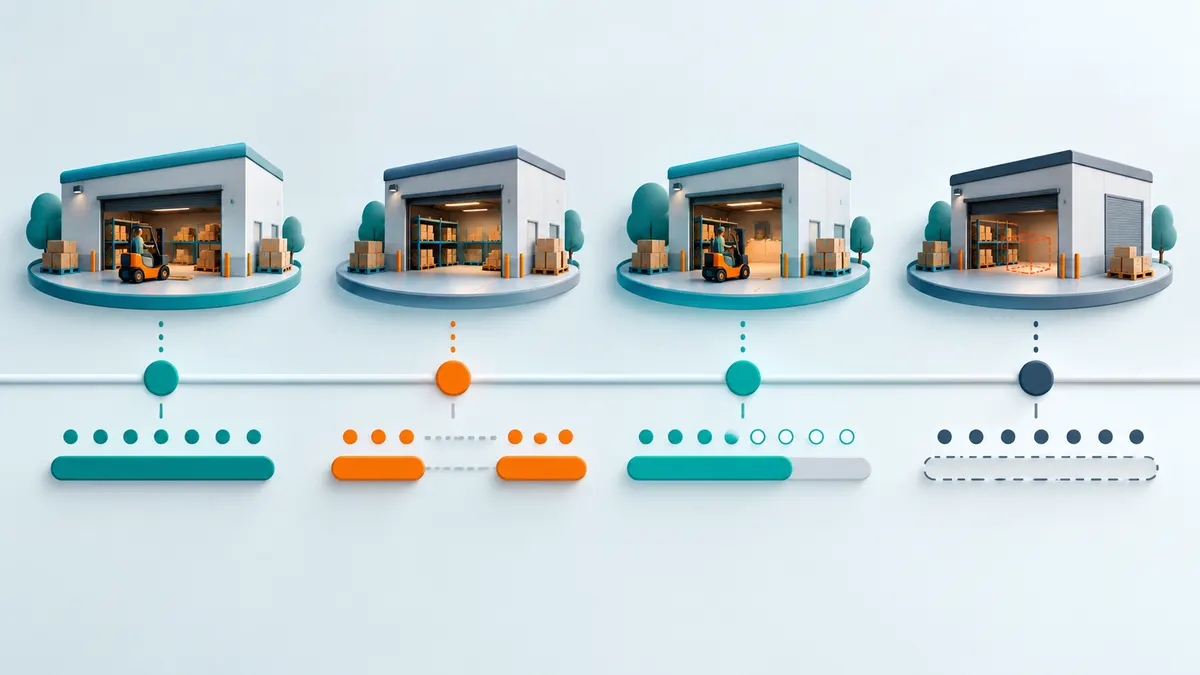
Warehouse dwell-time tracking becomes useful when the team agrees what counts as an arrival, a departure and an incomplete observation. RTLS coordinates can contribute to those events, but time inside a zone does not automatically equal waiting time. Define the process states first, then use location records to investigate where delays deserve closer attention.
This article provides a measurement design for process-improvement teams. Its examples are synthetic. They illustrate decisions your team must make, not results measured at a GrowSpace customer site.
Separate presence from waiting
A fixture may remain in an inspection area while work is underway, while it waits for an operator, and while completed work waits for collection. One location can contain all three states.
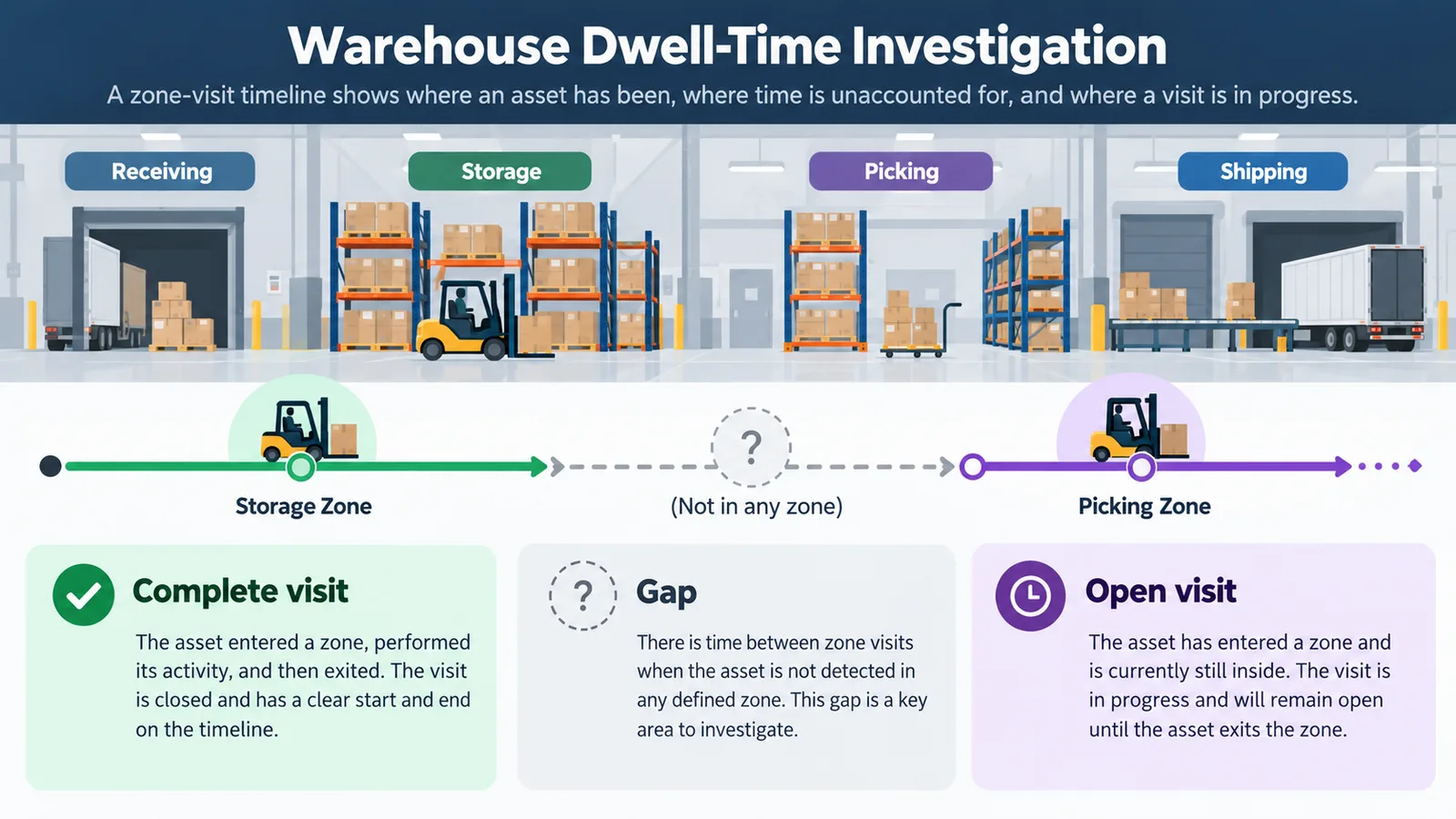
If the only evidence is zone entry and exit, call the metric “time in inspection zone.” Calling it “inspection waiting time” would imply knowledge the location data does not contain. To separate the states, identify another evidence source: a job-start scan, an equipment event, an operator confirmation or a record in the production system.
First define the process question. “Which queue accumulates long visits during the afternoon shift?” can be investigated using zone events and shift context. “Why did a specific order miss dispatch?” may also require order identity, release status, staffing, stock availability and other records.
Write the event definition before collecting a dashboard
For each zone, complete a short event-definition sheet. The choices below are application design decisions, not claimed Q1 firmware features.
| Definition | What to record | Why it matters |
|---|---|---|
| Zone | Name, boundary and layout version | A later layout edit should not silently reinterpret old visits |
| Entry | Evidence required to establish arrival | A single fluctuating position near a boundary may create a false visit |
| Exit | Evidence required to establish departure | Entry and exit rules must be consistent |
| Boundary handling | Treatment of positions near or alternating across the edge | Prevents repeated artificial visits |
| Data gap | When an observation becomes incomplete | Missing records should not look like continuous waiting |
| Visit identity | Asset assignment and visit identifier | One asset can visit the same zone more than once |
| Time basis | Source time if verified, otherwise receiver time with that limitation | The clock used affects the interpretation |
| Rule version | Version and effective date | Reports must remain reproducible after a change |
An application may require a short sequence of consistent observations before accepting a crossing, or different entry and exit boundaries. Evaluate the effect on missed short visits and delayed detection. There is no universal threshold for every warehouse; select the rule against observed movement and the process question.
Read a timeline without hiding uncertainty
The following times are invented for this example. Assume the agreed entry and exit rules have already been satisfied.
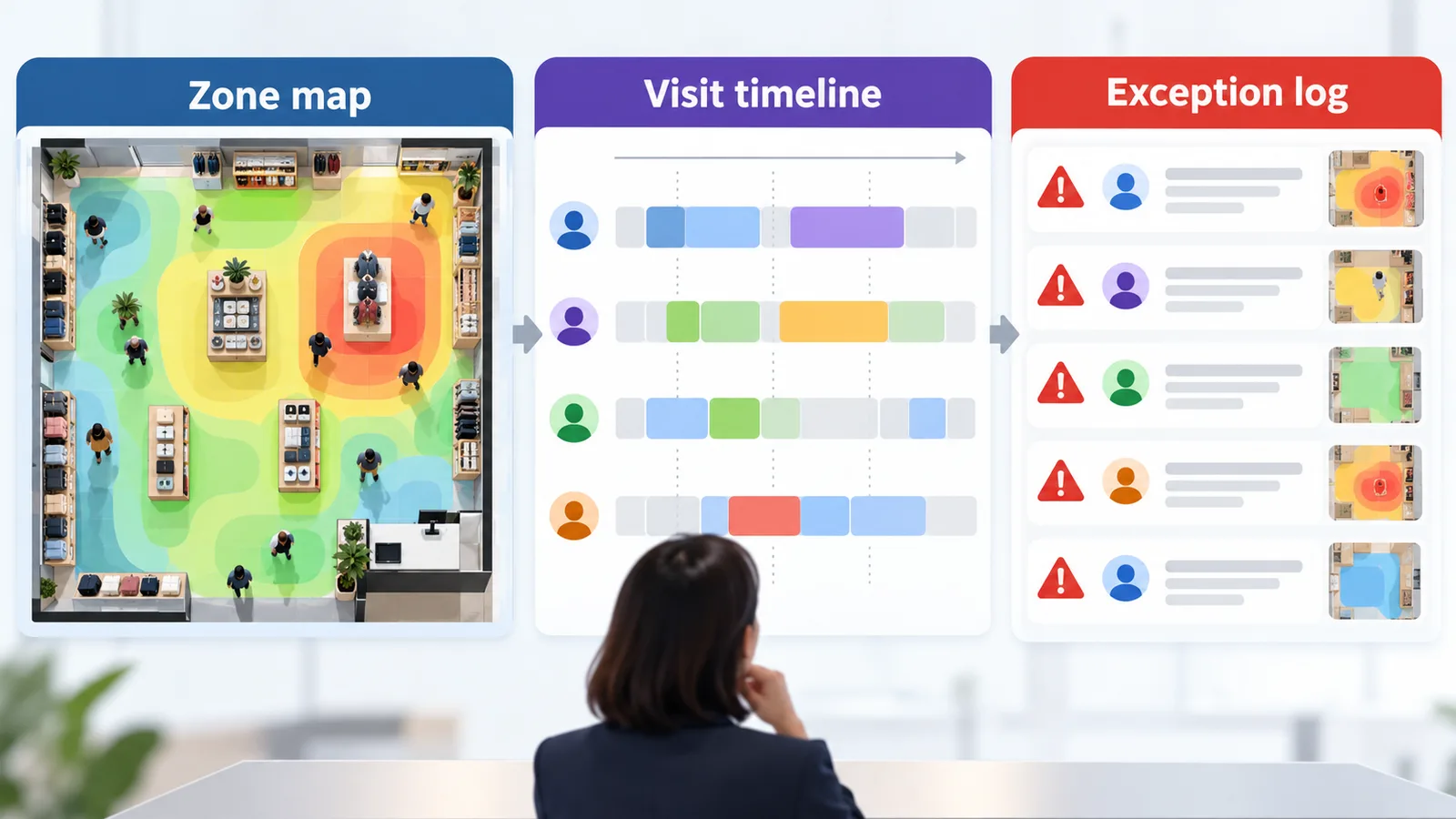
| Visit | Observations | Defensible interpretation |
|---|---|---|
| A | Entry 09:00; exit 09:12; observations available throughout | Recorded zone visit of 12 minutes under the defined rule |
| B | Entry 09:20; observation gap 09:25–09:40; seen outside at 09:42 | Departure time and continuous presence are uncertain; flag the visit |
| C | First observed inside at 10:00; exit 10:08 | Entry was not observed; eight minutes of observed presence is not the full visit |
| D | Entry 10:15; still inside when the study ends at 10:30 | Open visit at cutoff; do not treat 10:30 as a confirmed departure |
The arithmetic for A is simple. The other rows need explicit rules. Substituting a report cutoff for a missing exit would make the report easier to calculate but could distort comparisons.
Keep separate counts for complete visits, open visits, visits with missing entry and visits affected by gaps. If uncertain visits are excluded from a duration summary, show the excluded count and the reason. A polished average with unknown coverage can mislead the process team.
Decide what the application must add
The Q1 documentation identifies position-data collection and MQTT integration as part of the system. A dwell-time study additionally needs your agreed zone definitions, event rules, history storage and reporting logic. Confirm which of these are included in the proposed application and which require development.
Do not infer a production state from a position alone. If a tag tracks a reusable fixture, a separate relationship may be needed to connect that fixture to the job currently using it. If tags are reassigned, the relationship must remain correct for historical visits as well as today’s live screen.
Use the current Q1 FAQ when checking the data path. Product references were reviewed on 6 October 2026. The timeline and measurement rules here are proposed analysis methods, not an assertion that Q1 includes a ready-made dwell analytics package.
Validate events against a small observed sample
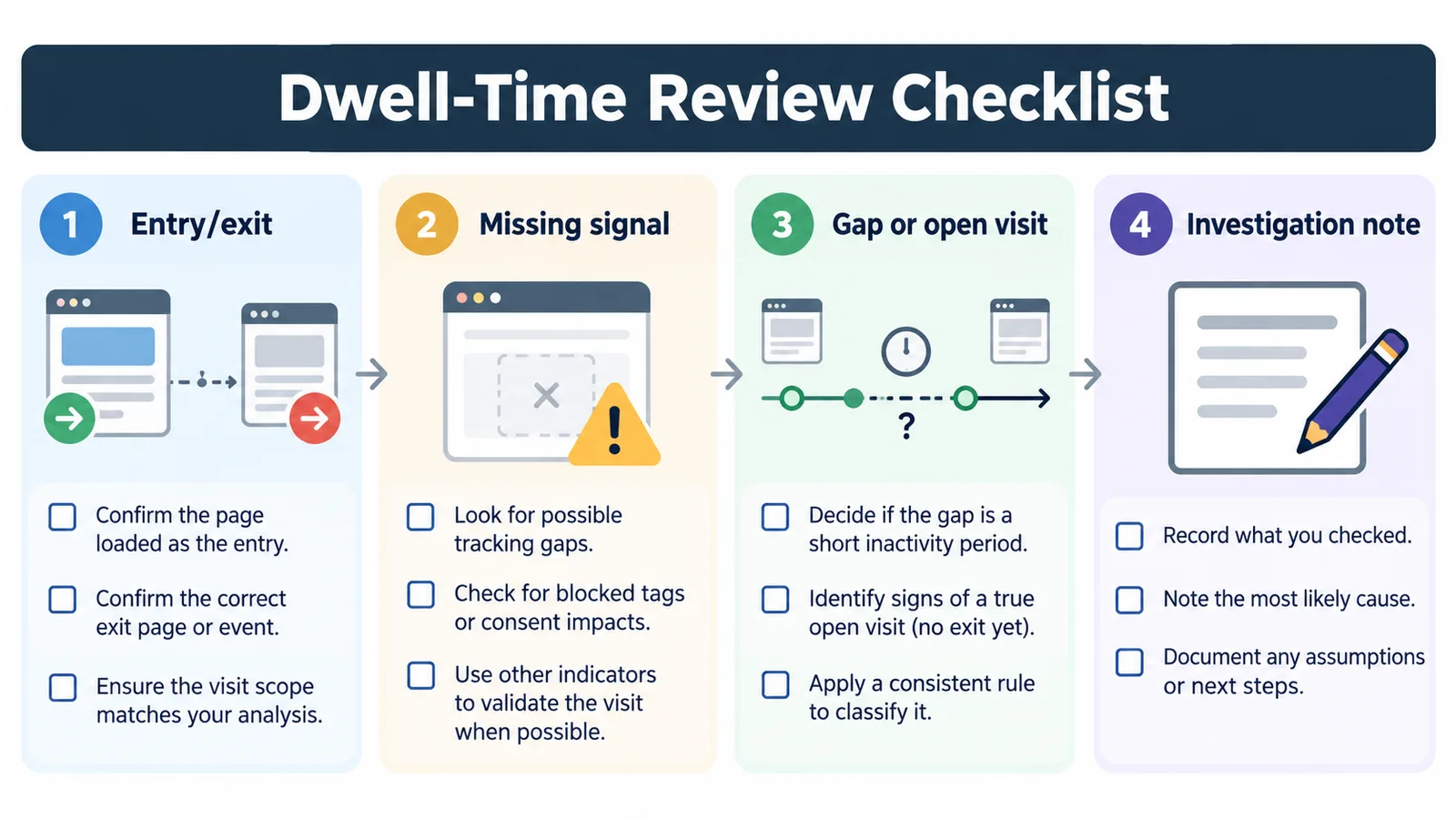
Before reviewing weeks of data, select several representative movements and compare the generated events with an independent observation record. Include a straightforward visit, a brief pass-through, a pause near the boundary, a return to the same zone and a period of missing data.
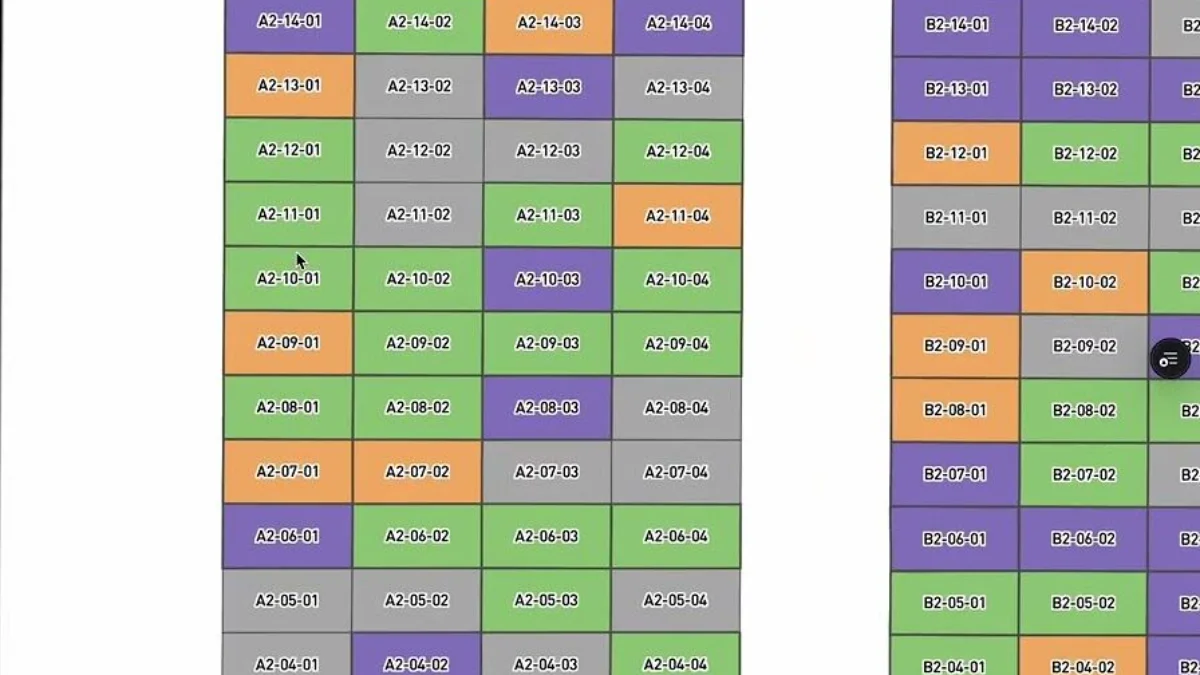
For each, ask:
- Did the application create the right number of visits?
- Were arrival and departure attributed to the right asset and zone?
- How far did detected events differ from the independently observed events?
- Was uncertainty preserved rather than converted into a precise duration?
- Can another analyst reproduce the result using the same layout and rules?
Document disagreements before adjusting rules. Otherwise, changes intended to fix one example may silently change the meaning of the whole report.
Investigate the process after locating the pattern
Group comparable visits by relevant operational context, such as asset type, shift, job state or destination. Show the number of visits and the observation coverage with each comparison. A handful of unusual visits can be important, but they should not be presented as a stable average for the operation.
Use long visits to choose where to observe work and ask questions. A queue might reflect an intentional buffer, scheduled batch release, unavailable transport or incomplete paperwork. Location alone does not identify the cause, and a shorter dwell time is not automatically a throughput improvement if another queue grows elsewhere.
Planning a dwell-time study? Discuss the required zones and events with GrowSpace. Bring a process map, the operational state you want to measure, available job identifiers and an example of a visit that is difficult to classify.
Related posts
- Still Searching for Tools and Equipment? Decide What Your Warehouse Actually Needs to Track
- From UWB Coordinates to Useful MQTT Events: Define the Data Contract Before Integration
- How Often Must an Asset Position Update? Build an RTLS Data-Rate Budget Around the Workflow
- Can RTLS Stay On-Premises? A Network and Data-Ownership Checklist for IT Teams