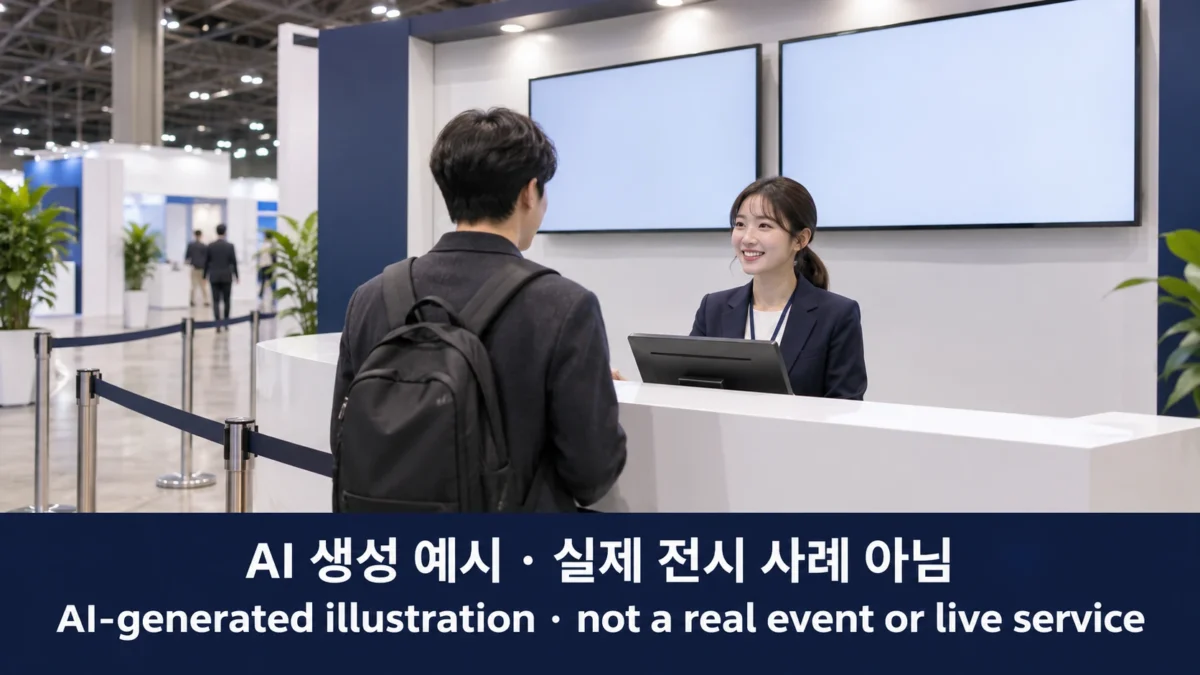
A booth queue needs more than a QR check-in. A practical flow is: QR check-in → staff assignment → reassignment if there is no response → visitor called → consultation started and completed. Define who owns each step and which status changes move the queue forward.
This article is not a report about a named event or customer. It is a checklist for organisers and exhibitors considering walk-up consultations at individual booths. Its scope is booth-level, same-day queue handling—not advance matchmaking across an entire exhibition or venue wayfinding.
1. Define one consultation before you count the queue
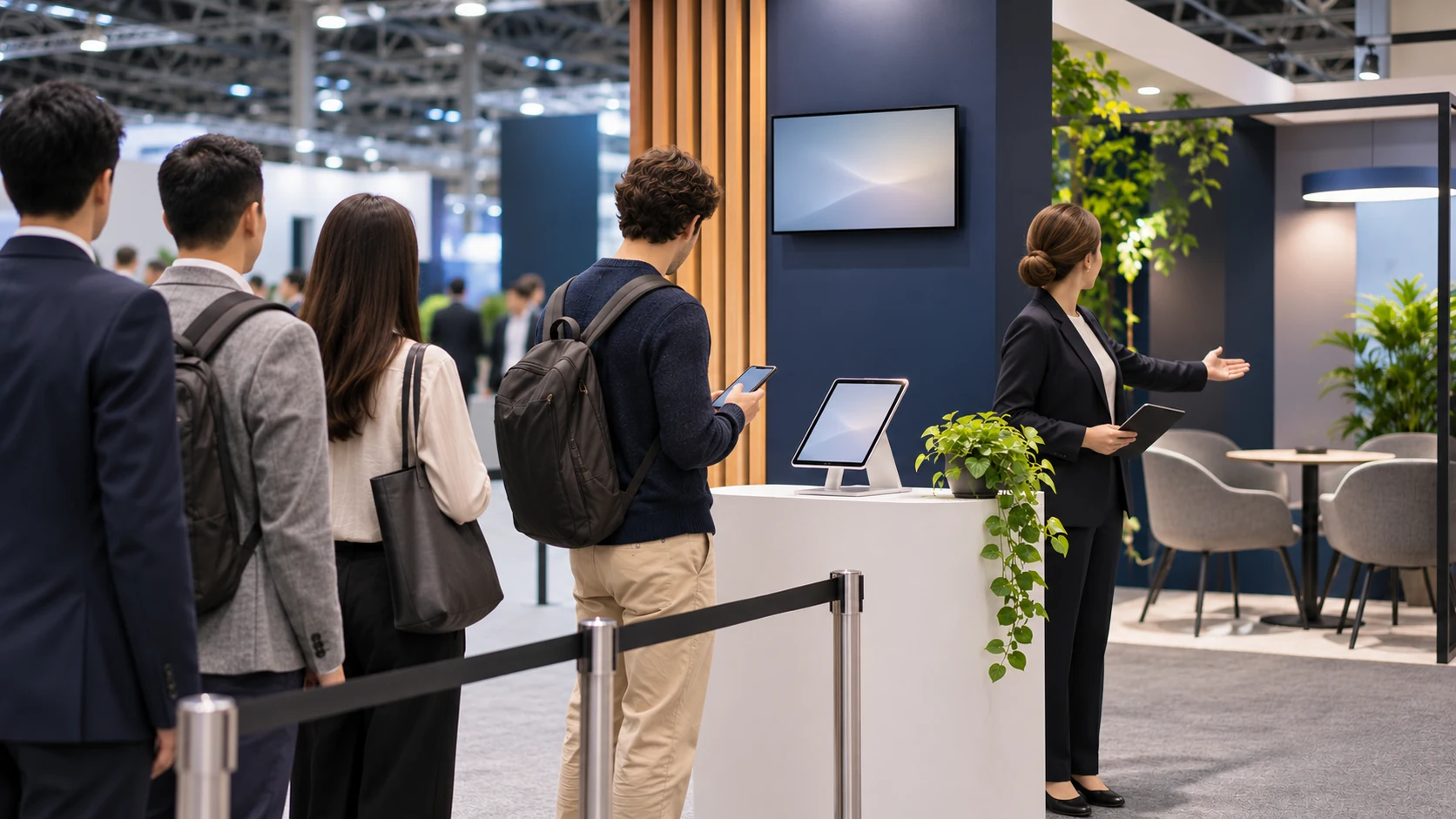
First decide what counts as one consultation. Can one visitor ask about several topics in a single turn? Does a colleague joining the conversation belong to the same check-in? If a visitor finishes at one booth and joins another, is that a new queue entry?
Then choose whether each booth has its own queue or whether the event needs one shared list across booths. If scheduled meetings and walk-ups use the same staff, define their priority and how delays are communicated. Without these rules, a visitor may register twice—once by QR and again on a shared tablet—or staff may call from different lists.
2. Collect only the information the operation needs
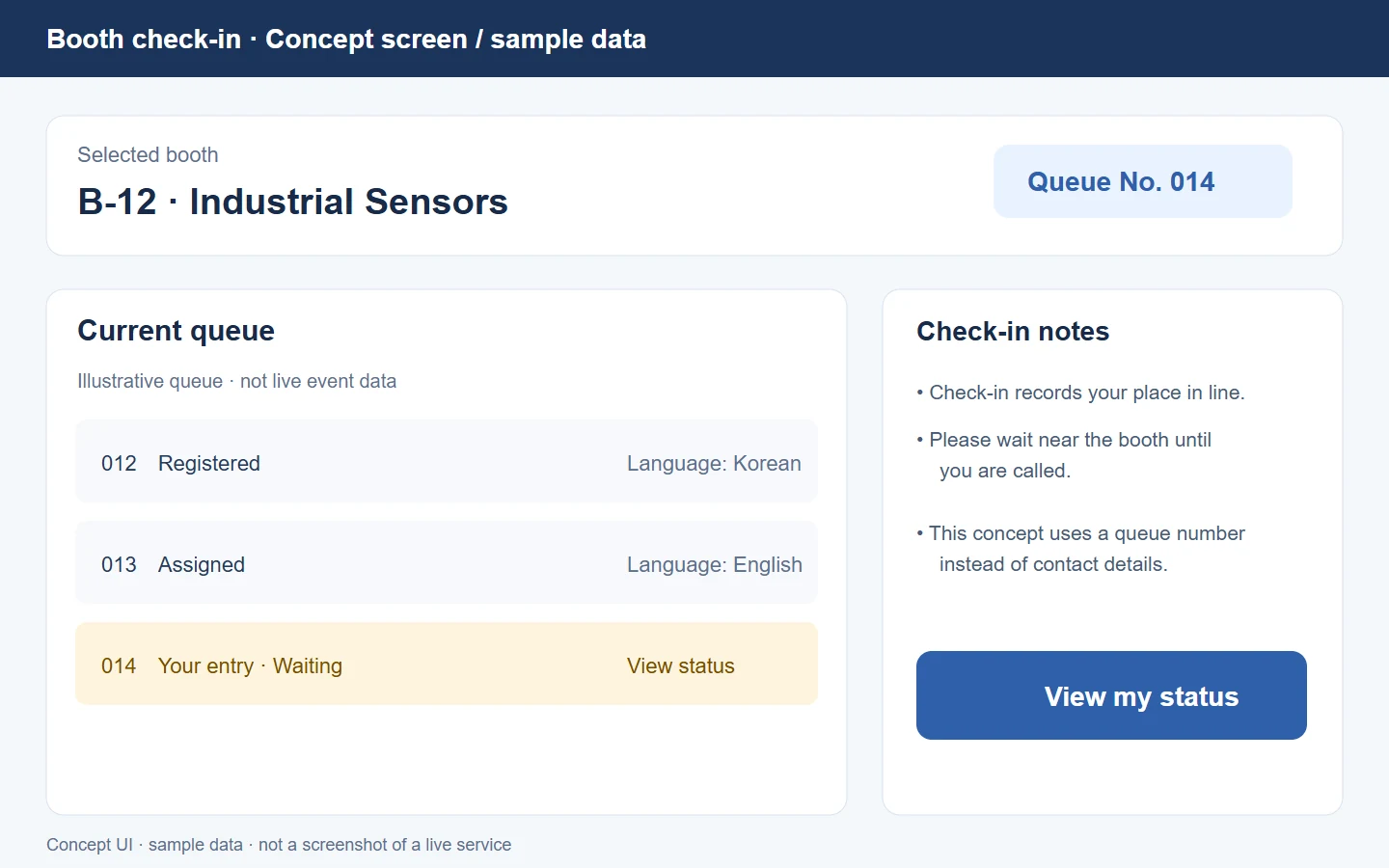
Start with the booth or topic and, if necessary, language preference or a simple indication of the current wait. Ask whether contact details or company information are actually required. If they are, define why they are collected, who can see them, and how long they are kept. If the team only needs to call a number in line, consider whether a minimal queue number can work instead of personal data.
Test repeated scans and staff-assisted registration on a shared tablet. Decide how duplicate entries are detected, whether visitors can correct or cancel a mistaken booth selection, and how they check their status if they close the page and return later.
3. Name the states and assign ownership for handoffs
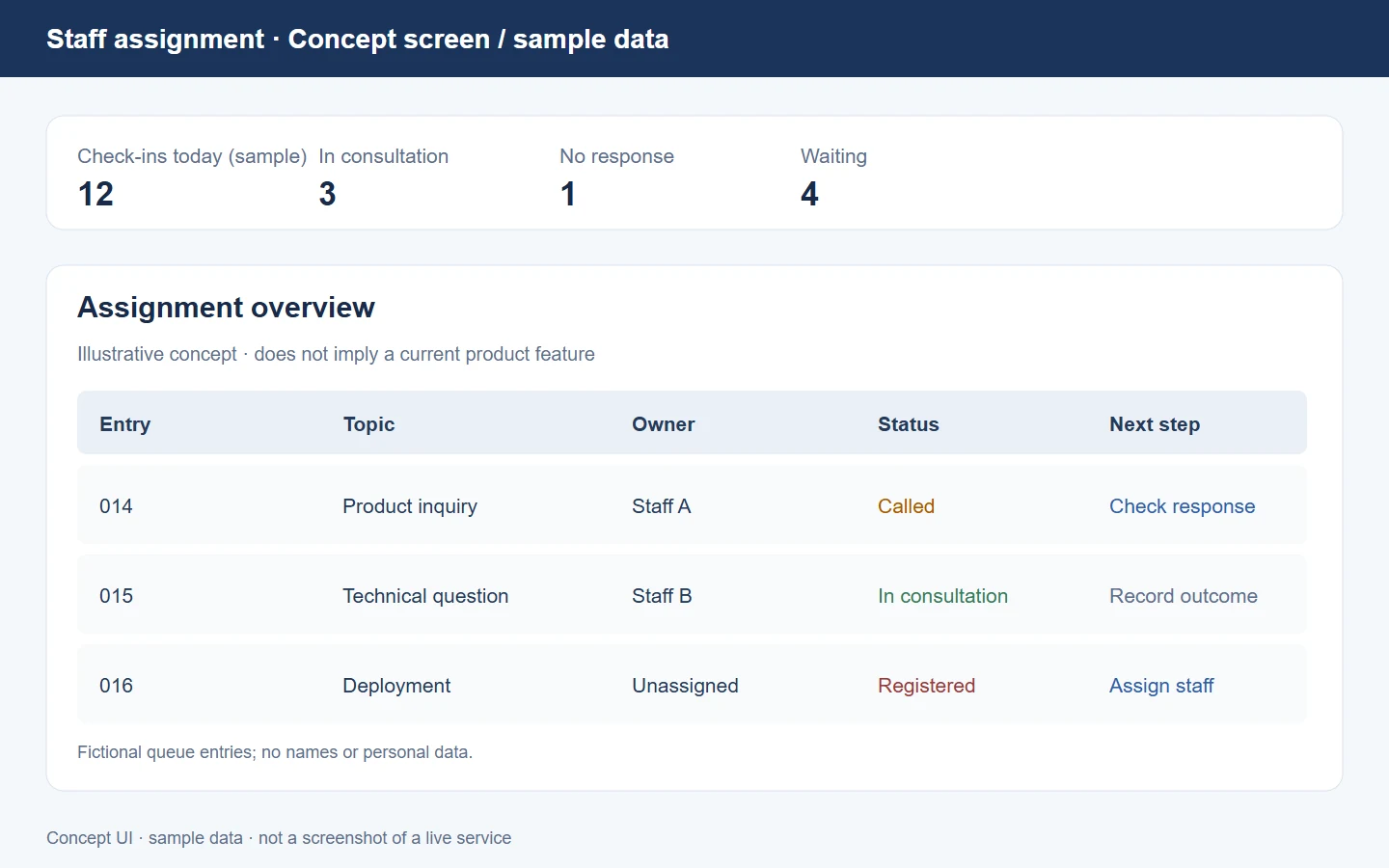
A small set of explicit states makes it easier to see where the flow is stuck:
- Registered: The visitor is in the queue, but no staff member owns the consultation yet.
- Assigned: A staff member or team is responsible for the next step.
- Called: The visitor has been notified, but the conversation has not started.
- In consultation: The conversation is under way.
- Completed, cancelled, or no response: The outcome or reason the wait ended is recorded.
Decide who can change each state and when. Name the person responsible for reassignment if the assigned staff member is busy or away. The event operator also needs a policy for an unanswered call: move to the next visitor, pause the entry, or send another notification after a defined interval. Do not assume automatic assignment or calling is already available; verify the product and project scope.
4. Calculate wait time from consistent timestamps
If the system records check-in and consultation-start times, their difference can be used as a wait-time measure. Define how to treat a paused entry, a changed request, or a visitor who returns after being called. An average alone may hide long waits, so organisers may also review the median, a long-wait band, and registrations by time of day.
After the event, retain only operational totals that are needed, such as registrations, consultations started, cancellations or unanswered calls, peak periods, and demand by language or topic. Those totals do not by themselves prove satisfaction or revenue growth. Any claim about those outcomes needs a separate measurement plan.
5. Prepare a fallback for network interruptions
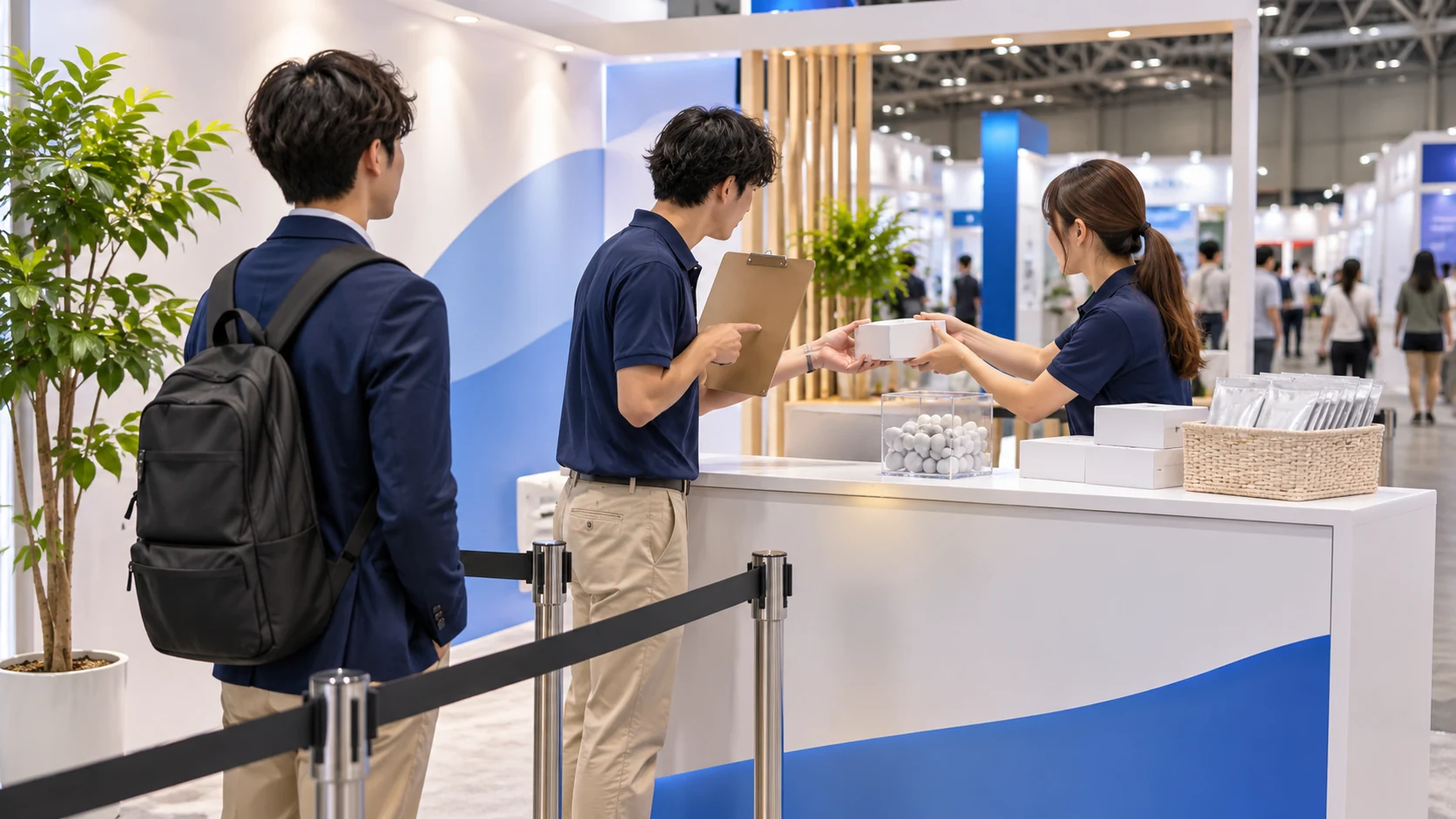
A venue network issue can interrupt registration or cause the same visitor to be entered twice. Choose a temporary method in advance, such as numbered paper tickets or a staff-held list, and decide who reconciles it after the connection returns. If digital and paper records run at the same time, assign responsibility for duplicate checks and choose which record is authoritative.
Before opening, rehearse the workflow with fictional data: scan twice, change booths, make a staff member unavailable, miss a call, cancel and re-register, and simulate a connection loss. Check that personal contact details do not appear in screenshots or demo materials.
A checklist for the first planning call
- Number of booths and which ones will accept walk-up consultations
- Whether advance appointments and walk-ups share staff
- Definition of one consultation and the assignment rule
- Call, no-response, cancellation, and reassignment policy
- Timestamps and post-event summaries the team needs
- Venue connectivity and the manual fallback
- Personal data collected, retention period, and access roles
GROWSPACE’s public exhibition materials describe QR-accessible digital venue maps and stamp tours, as well as business-matching workflows. Per-booth walk-up queues and staff calling are not confirmed by those public materials, so this article does not present them as existing product features. Confirm any required workflow against the actual project scope.
See the public map-based exhibition service for the currently described exhibition offering. If your team needs booth-level queue handling, prepare the event size, registration method, staff count, and call/completion rules and contact us to discuss the required scope. A consultation is for understanding requirements; it does not guarantee a particular feature or shorter wait times.
Discuss your exhibition operations
Related posts
- COEX Map / How to Navigate with Indoor Navigation / From Youngpoong Bookstore to Starfield Library in COEX
- RTLS System Buying Guide: What to Check Before You Sign a Contract
- [Part 1] GrowSpace UWB Serial Connection Guide – From Installing Tera Term to Initial Setup
- Digital Stamp Tours for Exhibitions: QR Instead of Paper Coupons