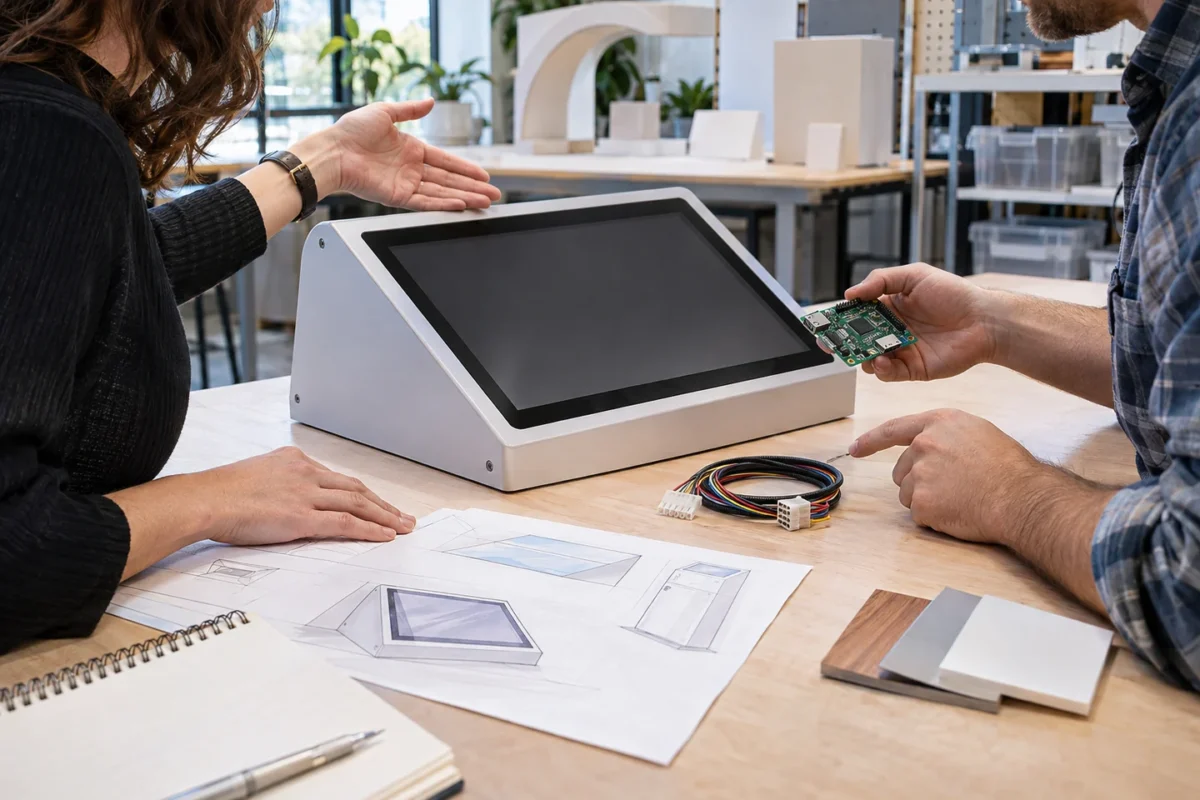
When one supplier builds an exhibit enclosure and another develops its electronics, what should you align before requesting estimates? A list of tasks alone is not enough. Define the mechanical-to-electronics interface, who approves each decision, and what counts as an accepted result.
This is a planning guide for splitting enclosure fabrication and electronics development, not a customer case or delivery story. FREEGROW’s published service overview lists custom sensor and PCB design, embedded and firmware work, and mechanical enclosure work among its software-and-hardware development areas. The scope for any real project still needs to be confirmed against its requirements. (Custom software and hardware development)
1. Name the owner of each boundary
“The enclosure is made separately” does not define who owns the interface. Record who approves the enclosure drawing and final dimensions, who designs mounting points and the space for internal parts, and who handles assembly and site installation. For each deliverable, name the supplier and the person responsible for review or approval.
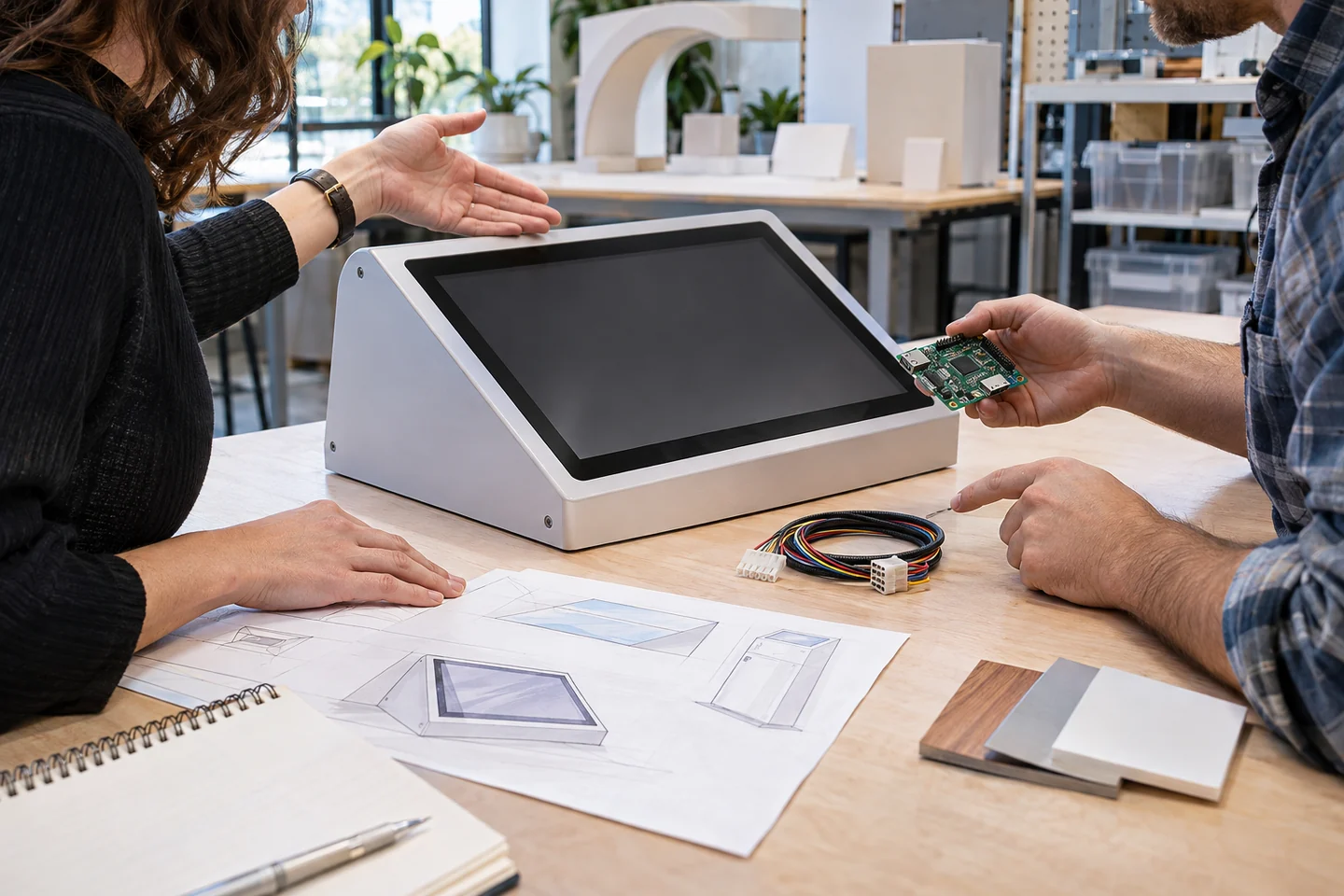
2. Specify the physical conditions, including service access
Mark the installation location, floor or wall mounting method, display and control positions, and the space needed to open a rear panel. The enclosure supplier can confirm panel thickness and fastening; the electronics team can review room for boards, connectors, cables, and inspection. Do not assume waterproofing or durability requirements before the real operating environment is defined.
3. Connect each interaction to an implementation owner
Write down what a visitor does and how the device should respond on screen, with light, or with sound. A button, touch input, sensor, or indicator is only an example; it does not mean a feature is included or supported. For every proposed interaction, define the required components, software or firmware scope, test owner, and acceptance criteria.
4. Prepare PCB deliverables alongside the enclosure interface
For the electronics discussion, confirm which materials are needed: schematic, PCB design files, bill of materials, wiring and connector details, and review or test criteria. PCB manufacturing data and the mechanical drawing that fits the finished device are different deliverables. Naming their owners early can prevent mounting holes or cable paths from being reconsidered after the board work is complete. For a general explanation of PCB handoff materials, see our PCB manufacturing request checklist.
5. Track shared interface values and approvals
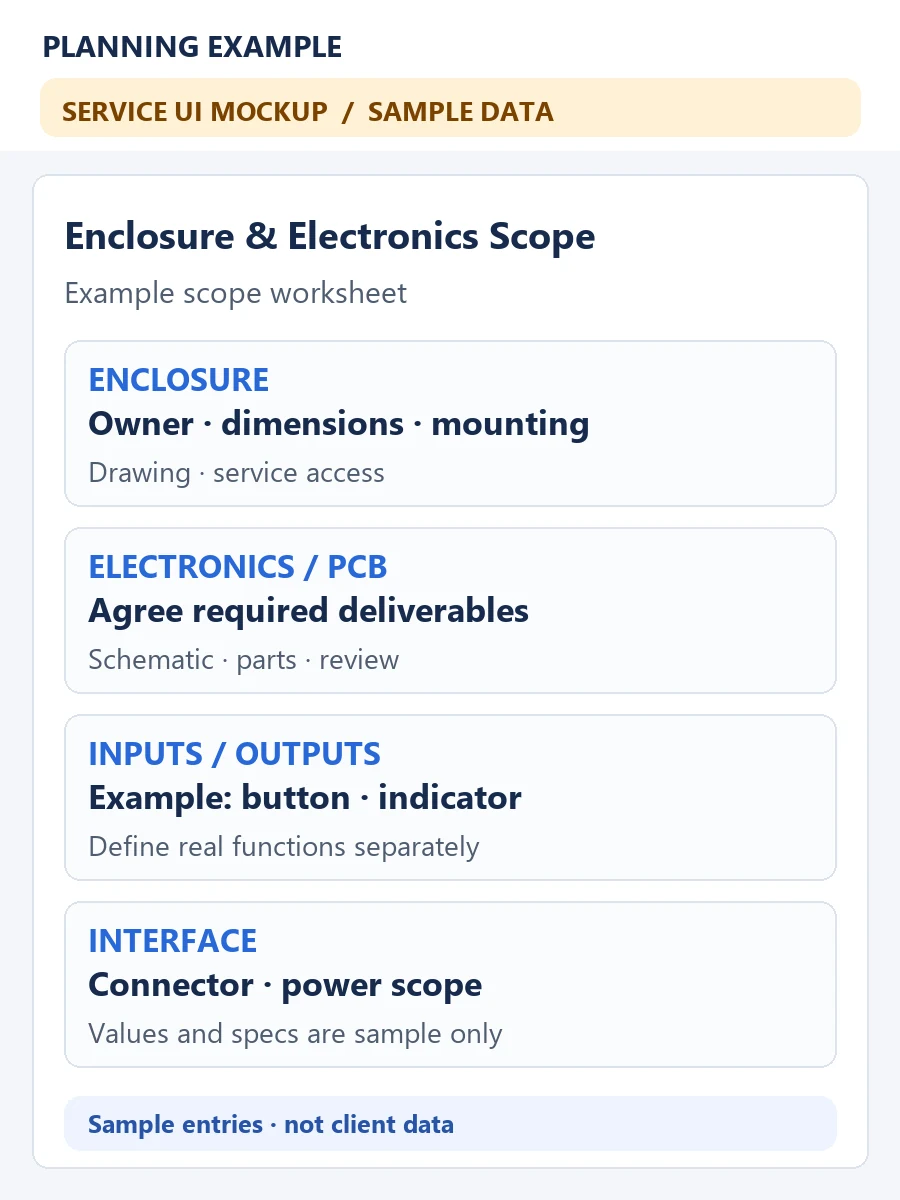
Keep items that affect both teams in one table: power input, connector type, pin assignment, cable length, and board mounting position. Mark unresolved values as “to be defined” and assign an owner and decision date. Also agree which drawing revision will be used for assembly and review when files change.
6. Agree on observable prototype review criteria
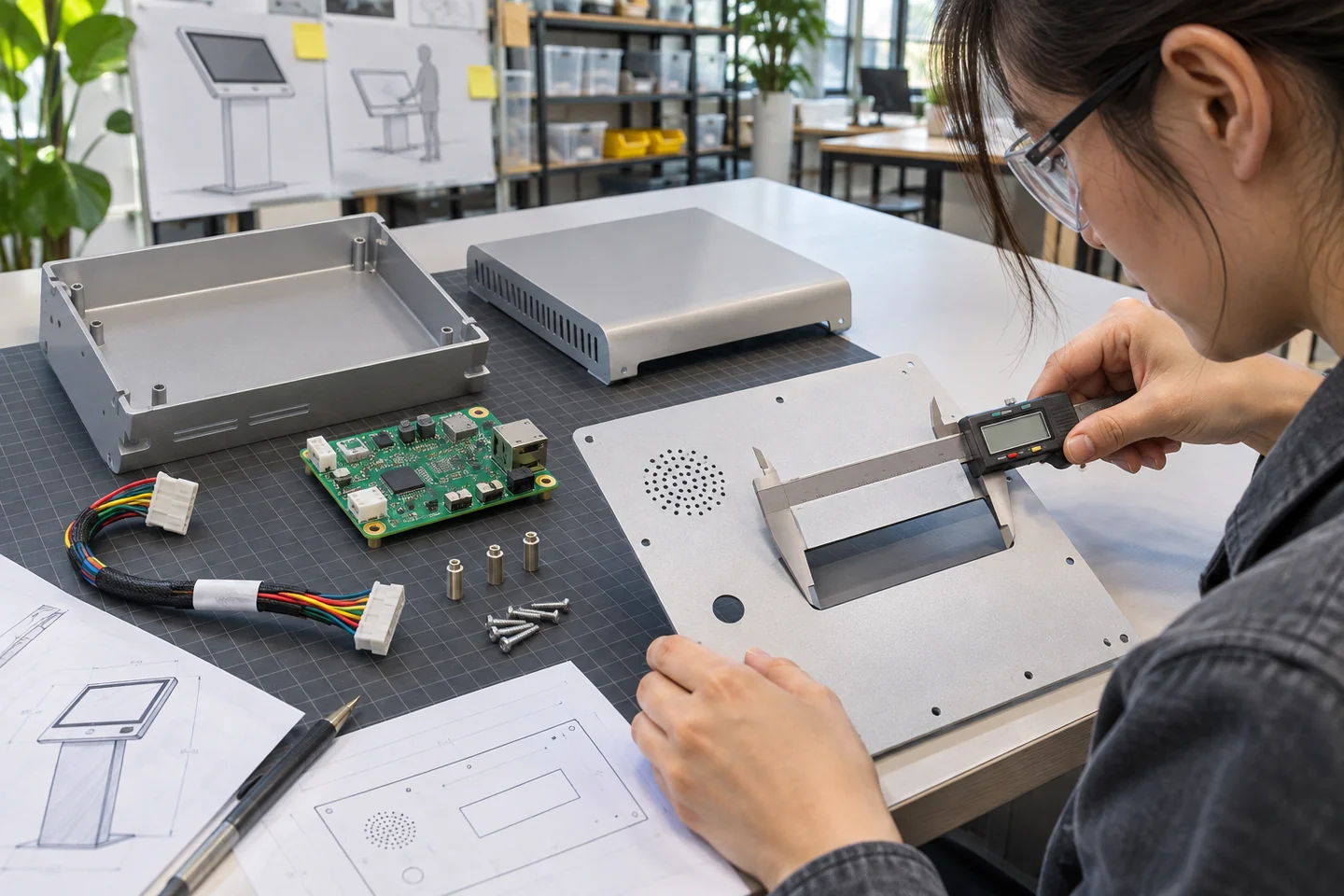
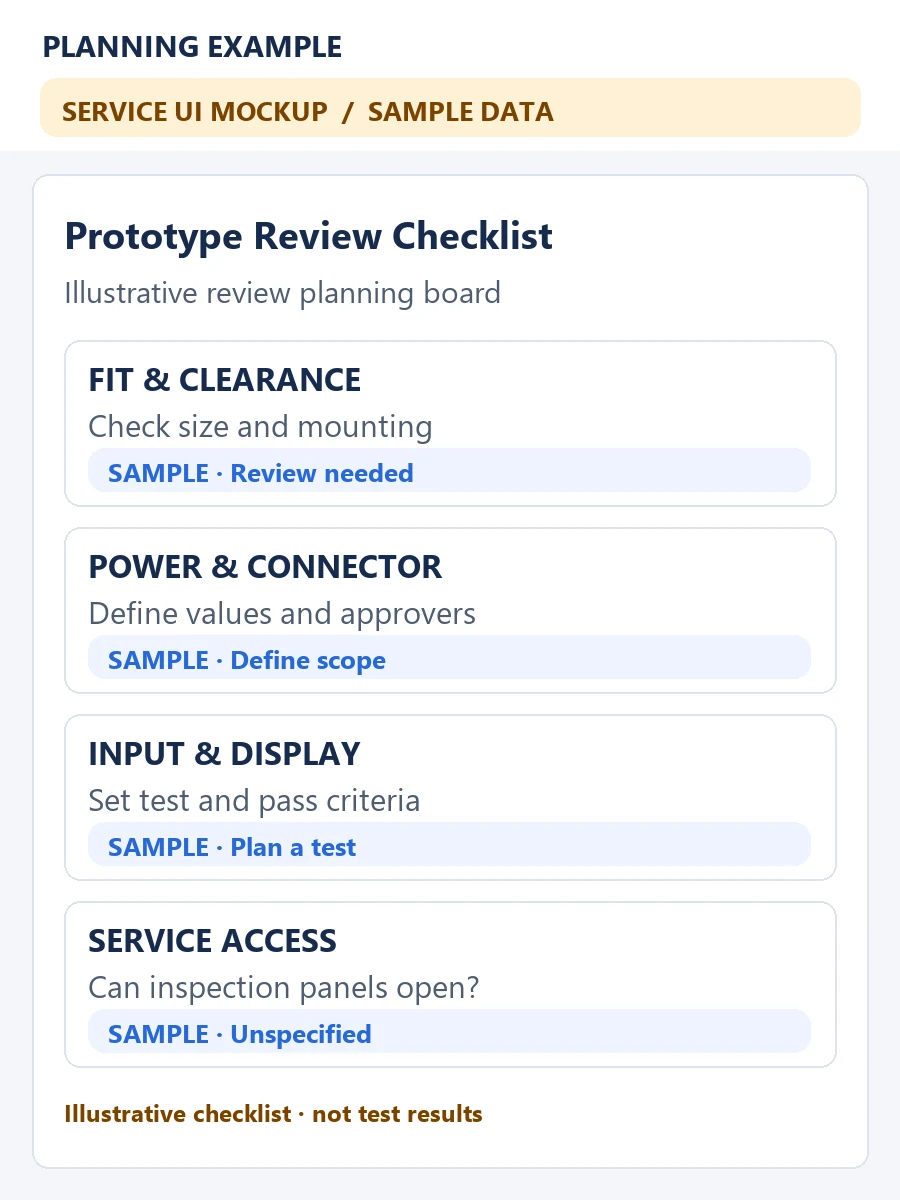
A broad phrase like “works as expected” is difficult to review. Define how the team will check dimensions and fastening, power-on, the planned input and output, cable interference, and access to service panels. Adjust the list to the actual functions and test conditions, and name the approver. The screen below is an example review mockup, not test evidence.
7. Gather these materials before a consultation
- The device purpose and the user’s input-to-response flow
- An enclosure sketch, dimensions, mounting method, and fabrication owner
- Existing circuit, parts, and PCB materials, plus unresolved items
- Current conditions for power, connectors, wiring, and service access
- Prototype acceptance criteria, approvers, requested schedule, and quantity
Do not place confidential customer drawings, circuit files, or contact details in a public article or ordinary email. Confirm what material is needed and how it should be shared before sending project files.
Prepare the scope for a custom software and hardware discussion
Once the enclosure and electronics boundary is clear, it is easier to discuss who prepares and reviews each deliverable. Organize your enclosure sketch, required inputs and outputs, existing circuit or PCB materials, and open questions, then review the scope on our custom software and hardware development page. Specific features, schedule, and pricing require a separate review of the actual requirements.